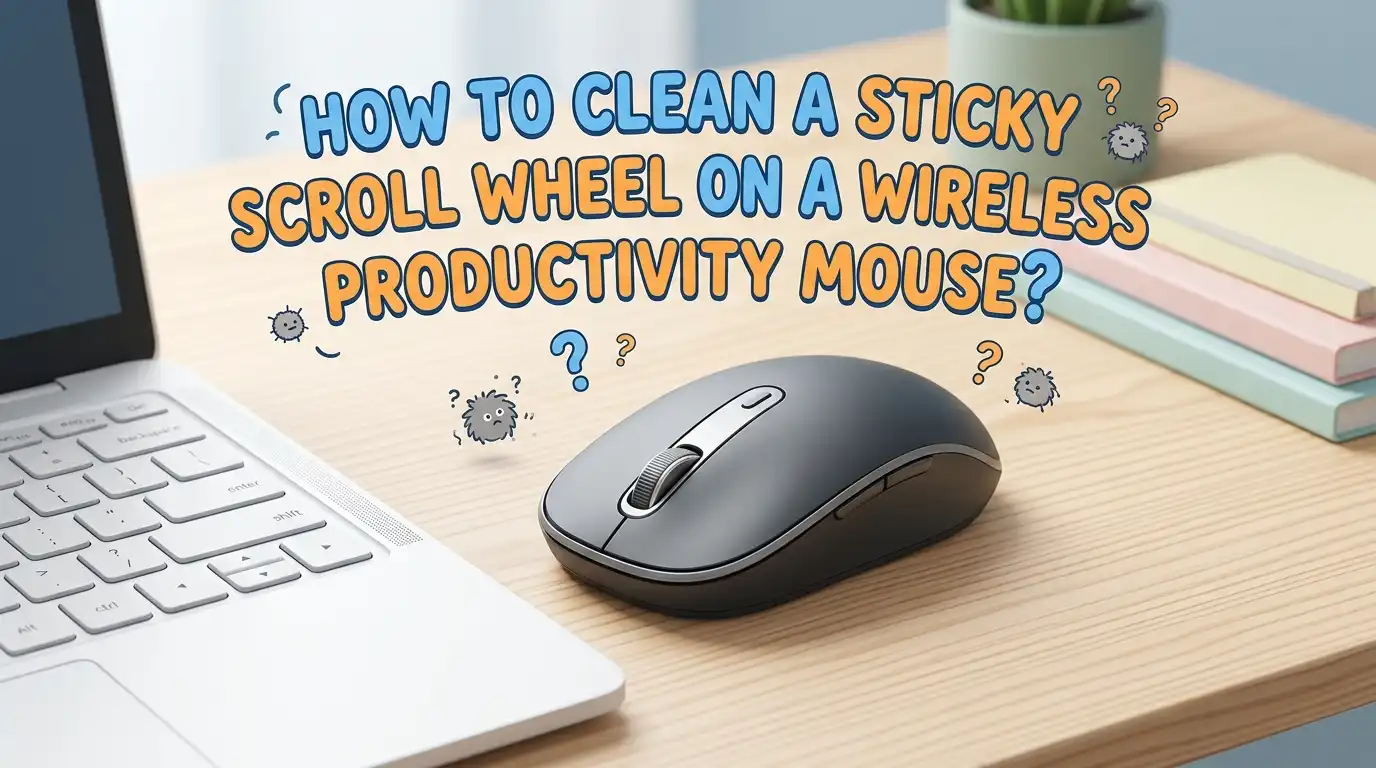
How to Clean a Sticky Scroll Wheel on a Wireless Productivity Mouse?
Your scroll wheel feels gummy. It drags, skips, or makes that annoying scratchy sound every time you flick it. You bought a quality wireless mouse for work, and now this small problem slows down every email, spreadsheet, and document you touch.
A sticky scroll wheel is one of the most common mouse issues. Dust, skin oils, food crumbs, and rubber breakdown all collect around that tiny gap between the wheel and the mouse body. The good news? You can fix it at home in under thirty minutes with items you already own.
This guide walks you through every cleaning method, from quick surface wipes to full disassembly. You will learn what works, what to avoid, and how to keep your mouse smooth for years.
In a Nutshell
- Always remove the batteries or power off the mouse before any cleaning. Water and electricity do not mix, and you can short the circuit board with one wrong drop.
- Use 70 to 90 percent isopropyl alcohol for most cleaning jobs. It dissolves oil and grime fast, and it evaporates without leaving residue. Avoid water on rubber coated wheels because moisture can swell the rubber.
- Cotton swabs, microfiber cloth, and compressed air are your three best friends. They reach tight gaps without scratching the plastic shell or pushing dirt deeper inside.
- Try non invasive methods first like air blowing, swabbing the edges, and using a thin plastic card. Save full disassembly for stubborn cases where nothing else works.
- Sticky rubber wheels often signal coating breakdown, not just dirt. If alcohol does not help, the rubber itself may need replacement or removal.
- Clean your mouse every two to three months to stop buildup before it starts. Regular wipe downs take two minutes and add years to your device.
Why Scroll Wheels Get Sticky in the First Place
Scroll wheels collect gunk because they live in the dirtiest spot on your desk. Your fingertips carry oil, sweat, and lotion residue every time you touch them. Over months, this transfers onto the wheel and seeps into the surrounding gap.
Dust and dead skin cells float around your workspace and settle into that narrow ring. They mix with the oil to form a paste. This paste then dries, hardens, and grips the wheel mechanism whenever you scroll.
Some mice use a rubberized wheel for better grip. The rubber itself can degrade after two or three years, especially in warm rooms. It turns tacky, almost glue like, even when no real dirt is present. Knowing the cause helps you pick the right fix.
Tools and Supplies You Will Need
You do not need fancy equipment for this job. Most items live in your bathroom cabinet or kitchen drawer. Isopropyl alcohol at 70 percent or higher is the main cleaning agent because it cuts grease and dries quickly.
Grab a pack of cotton swabs, a soft microfiber cloth, and a can of compressed air if you have one. A toothpick or thin plastic card helps scrape stubborn debris from the wheel edges without scratching plastic.
For deeper cleaning, you may want a small Phillips head screwdriver, a plastic prying tool or guitar pick, and a pair of tweezers. Keep a small bowl nearby to hold screws so they do not roll off your desk. Lay everything on a clean, well lit surface before you begin.
Pros of using basic tools: cheap, safe, and available right now.
Cons: they may not solve internal hardware failures or worn out encoders.
Step One: Power Down and Inspect the Mouse
Before you touch anything wet, turn off your wireless mouse completely. Slide the power switch to off, then remove the batteries or unplug the charging cable. This step prevents short circuits and accidental clicks while you work.
Hold the mouse up to a bright light. Look closely at the gap around the scroll wheel. You will often see lint, hair strands, or a dark crusty ring of oil and dust. This visual check tells you how deep the cleaning needs to go.
Roll the wheel slowly with your finger. Listen for grinding, clicking, or sticking points. Note where the wheel feels worst, because that section may need extra attention later. A quick inspection saves you from over cleaning areas that are already fine.
Method One: The Compressed Air Blast
Compressed air is the gentlest first step. It pushes loose dust and crumbs out of the scroll wheel gap without any liquid contact. Hold the can upright and aim the nozzle at a slight angle to the wheel.
Give short bursts of one or two seconds while rolling the wheel slowly with your finger. This rotates fresh sections of the gap into the airflow. Tilt the mouse so debris falls out instead of sinking deeper inside.
Avoid spraying the can upside down. Cold liquid propellant can damage internal parts and crack plastic. Keep the nozzle a few inches away from the mouse to prevent moisture buildup from condensation.
Pros: fast, dry, no risk of liquid damage, takes under two minutes.
Cons: only removes loose particles, will not fix sticky rubber or oily residue.
Method Two: The Cotton Swab and Alcohol Trick
This is the most reliable cleaning method for most sticky wheels. Dip a cotton swab in isopropyl alcohol. Squeeze out the excess so it is damp, not dripping. Too much liquid can seep into the electronics below.
Press the swab gently into the gap beside the scroll wheel. Rotate the wheel slowly with your other finger while holding the swab in place. The alcohol dissolves the oily film, and the cotton picks up the loosened gunk.
Flip the swab and repeat from the other side. Use a fresh swab when the tip turns gray or brown. Work your way around the full circumference of the wheel for even results.
Pros: removes oil, sweat, and dust effectively, costs almost nothing.
Cons: cotton fibers can shed inside the mouse, and alcohol may harm certain rubber coatings over time.
Method Three: The Thin Plastic Card Sweep
Sometimes hair and lint wrap tightly around the wheel axle. A swab cannot reach that deep. In those cases, slide a thin plastic card or a folded slip of paper into the gap.
Use an old gift card, a credit card edge, or a guitar pick for this trick. Insert the edge gently while spinning the wheel. The card scrapes wrapped debris loose so you can pull it out with tweezers.
Be very careful not to force the card. Plastic shells crack easily, and you could pop the wheel off its mount. Move slowly and stop if you feel resistance. Pair this with a follow up alcohol swab for the best result.
Pros: dislodges wrapped hair and stubborn lint that liquids cannot reach.
Cons: risk of scratching the shell or bending internal parts if used roughly.
Method Four: The Oil and Alcohol Combo for Heavy Grime
For mice with years of buildup, plain alcohol may not be enough. A two step oil and alcohol method works well here. Apply a single drop of light machine oil or sewing machine oil to the wheel edge.
Spin the wheel for ten to fifteen seconds so the oil spreads and softens the hardened crust. The oil dissolves dried gunk that alcohol alone bounces off. Wait a minute for the mixture to break down the grime.
Then follow up with a cotton swab dipped in isopropyl alcohol. The alcohol washes away the oil and grime mixture together, leaving the wheel dry and smooth. Wipe with a clean dry swab to finish.
Pros: breaks down old hardened residue that nothing else can shift.
Cons: messy if overdone, and excess oil left behind can attract new dust quickly.
Method Five: Disassembling the Mouse for a Deep Clean
When surface cleaning fails, opening the mouse is your last option. First, look under the mouse feet for hidden screws. Use a thin spudger or fingernail to peel them up gently so you can reuse the adhesive.
Remove the screws with a small Phillips head driver. Place each screw in a labeled spot because they sometimes vary in length. Pry the top shell off carefully with a plastic tool, watching for ribbon cables.
Lift the scroll wheel out of its cradle. Clean the wheel, the encoder shaft, and the inner housing with alcohol swabs. Let everything dry for ten minutes before reassembly.
Pros: total access to every dirty surface, fixes problems other methods cannot touch.
Cons: voids warranty, risks broken clips, and requires patience and a steady hand.
Fixing a Sticky Rubber Coating That Will Not Clean Off
If the rubber feels tacky even after a thorough alcohol wipe, the coating itself has broken down. Heat, humidity, and UV light degrade rubber over time. No amount of scrubbing brings it back to original.
You have two real options. First, keep wiping with isopropyl alcohol in firm circular motions to slowly remove the tacky layer. This can take ten to twenty minutes per wheel, and it exposes the harder plastic underneath.
Second, use a small amount of baking soda paste on a damp cloth to scrub off the gummy residue. Rinse with alcohol and dry completely. Some users wrap thin grip tape or heat shrink tubing around the bare wheel afterward.
Pros: permanently removes the sticky feel and restores usable grip.
Cons: changes the original look and feel, and the bare plastic can be slippery.
Software Side Checks Before You Open the Mouse
Sometimes the wheel is clean, but scrolling still feels wrong. The issue may sit in your software, not the hardware. Check your mouse driver settings before any deep cleaning.
Open your operating system mouse settings and look at scroll speed, smooth scrolling, and lines per notch. Adjust them one at a time and test. A firmware update from the manufacturer app can also fix scroll glitches.
Try the mouse on a second computer. If the wheel feels normal there, your original computer has a software conflict, not a dirty wheel. Reinstall the driver to clear corrupted settings.
Pros: zero risk to the hardware, often fixes the problem in two minutes.
Cons: does nothing if real grime is causing the stickiness.
How to Prevent Sticky Scroll Wheels in the Future
Prevention beats cleaning every time. Wash your hands before long work sessions to cut down on oil and food residue transfer. This single habit reduces buildup by half.
Wipe your mouse with a dry microfiber cloth at the end of each week. Quick weekly care stops dust from bonding with skin oil into hard crust. Once a month, run a damp alcohol swab around the wheel edge.
Keep food and drinks away from your desk if possible. Crumbs are the worst offender for wheel jams. Store your mouse in a drawer or under a cover at night to block falling dust.
Pros: keeps your mouse feeling new for years, saves repair time.
Cons: requires a small amount of routine effort each week.
When to Stop Cleaning and Replace the Mouse
Some sticky wheels signal deeper damage. If you hear grinding from the encoder or the wheel wobbles loose on its axle, internal parts are wearing out. Cleaning will not bring them back.
Check if your mouse is under warranty first. Many productivity mice carry one to three year coverage, and the maker may replace it free. Opening the case yourself usually voids that warranty.
If the device is older than its warranty period and cleaning has not helped, replacement may be cheaper than time spent repairing. Look for signs like double clicking buttons, drifting cursor, or dead side buttons. These often appear together near end of life.
Pros of replacement: new warranty, modern features, guaranteed smooth scrolling.
Cons: cost, electronic waste, and time to reconfigure your setup.
Frequently Asked Questions
Can I use water instead of isopropyl alcohol to clean my scroll wheel?
Water works for light surface dust, but it dries too slowly and can seep into the electronics. Isopropyl alcohol is safer because it evaporates in seconds. If you only have water, dampen a cloth lightly and dry the area right after.
Will cleaning my mouse void the warranty?
Surface cleaning with a swab or cloth does not affect your warranty. Opening the mouse case usually does void it, since most makers seal screws or use tamper labels. Check the warranty terms before you disassemble anything.
How often should I clean my mouse scroll wheel?
A light wipe every week and a deeper alcohol clean every two or three months works for most users. Heavy users or people who eat at their desk may need monthly deep cleaning to stay ahead of buildup.
My scroll wheel still skips after cleaning. What is wrong?
The encoder under the wheel may be worn out. This small sensor counts wheel movements, and it fails over time from heavy use. Replacement requires soldering skills, so most users buy a new mouse instead.
Is it safe to use canned air on a wireless mouse?
Yes, as long as you hold the can upright and use short bursts. Spraying upside down releases cold liquid that can damage plastic and circuits. Keep the nozzle a few inches from the mouse for the best safety.
Can sticky rubber be restored to its original feel?
Sadly, no. Once rubber breaks down, the tackiness is permanent. You can only remove the degraded layer with alcohol scrubbing to expose the harder plastic underneath. Some users wrap the wheel with grip tape afterward for better feel.
Hi, I’m Minnie Cole, the creator of The Output Lab — a space where I share my passion for all things tech. I spend my days exploring the latest gadgets, devices, and electronics on Amazon, putting them through real-world testing so you don’t have to.