
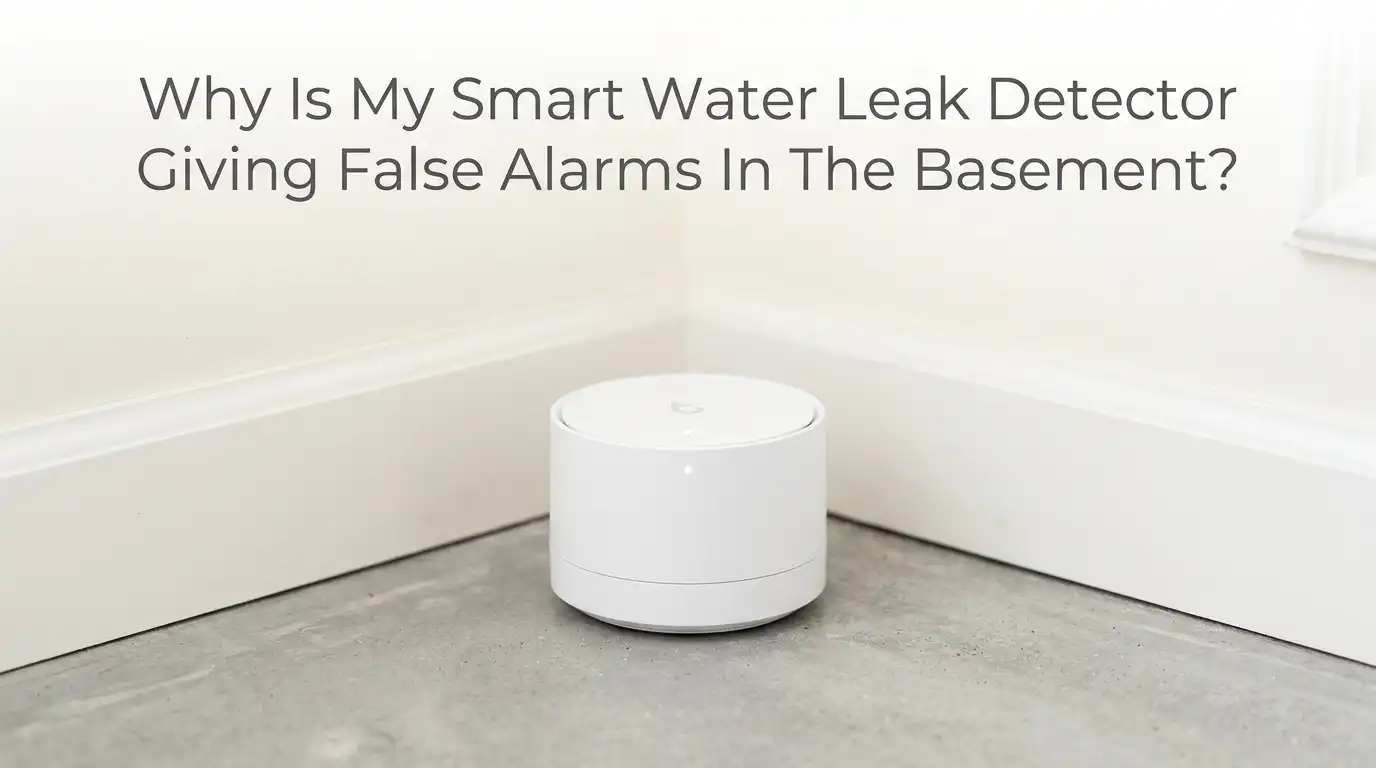
Why Is My Smart Water Leak Detector Giving False Alarms In The Basement?
Your phone buzzes at 2 a.m. with a flood alert. You rush downstairs, heart pounding, only to find a dry basement floor. Sound familiar? False alarms from smart water leak detectors are one of the most frustrating problems homeowners face.
The basement makes things worse because it holds more moisture, more cold pipes, and more weak signal zones than any other room in your house.
You bought the device for peace of mind. Instead, you got midnight scares and a growing urge to ignore every alert. That habit is dangerous.
In a Nutshell
- Condensation is the number one cause. Cold pipes, concrete floors, and humid air create water droplets that your sensor reads as a leak. Most basement false alarms start here.
- Low batteries trick your detector. Many smart sensors send a “leak” or “wet” signal when the battery weakens. Always check power first. It is the fastest fix.
- Weak Wi-Fi or Zigbee signals cause sensors to drop offline and report strange readings. Basements have thick walls and bad reception, which makes this very common.
- Bad placement matters more than you think. A sensor sitting in a low spot, near a drain, or under a sweating pipe will trigger again and again. Move it a few inches and the problem often disappears.
- Dirty contacts and dust build up on the metal sensor points. This creates a false bridge that mimics water. A quick wipe usually clears it.
- Smart settings give you control. Many apps let you adjust sensitivity, set delays, and create alert thresholds. Use these tools to match your detector to your damp basement.
What Causes False Alarms In A Basement Water Leak Detector
A false alarm happens when your detector reports water that is not a real leak. Your basement creates the perfect storm for this problem.
The space stays cool, dark, and damp for most of the year. Cold concrete and chilled pipes invite condensation. Humid air settles low and lingers near the floor where your sensor sits.
The most common triggers include condensation, low battery power, weak wireless signals, dirty sensor contacts, and poor placement. Each one tricks the device into thinking water has arrived. Your detector cannot always tell the difference between a real flood and a few stray droplets.
Understanding the cause is half the battle. Once you know what set off the alarm, you can apply the right fix. The sections below break down each trigger and give you clear steps. Start with the easy checks first, then move to the deeper solutions if the noise continues.
How Condensation Tricks Your Sensor Into Alarming
Condensation forms when warm, humid air touches a cold surface. Your basement is full of cold surfaces. Water pipes, the concrete floor, and the walls all stay cool. When summer air or shower steam reaches them, tiny water droplets appear. Your sensor reads these droplets as a leak and sounds the alarm.
This problem peaks in spring and summer when outdoor humidity climbs. A sensor placed directly under a sweating pipe will alarm over and over. The water is real, but it is not a leak.
To fix it, move the sensor away from cold pipes and damp walls. Place it a few inches higher if possible. Wrap exposed pipes with foam insulation to stop them from sweating. Run a dehumidifier to pull moisture out of the air.
Pros: These steps are cheap, easy, and stop the root cause. Cons: Pipe insulation takes a little time, and a dehumidifier adds to your power bill.
Why Low Batteries Cause Sudden False Leak Alerts
This one surprises many people. A weak battery can make your detector report a leak even when the floor is bone dry. Many smart sensors use the same warning signal for low power and for wet conditions. When the voltage drops, the device sends confused readings to the app.
You might see a “wet” status, a “leak detected” message, or rapid on and off alerts. The sensor is not lying on purpose. It simply lacks the power to work correctly.
Always check the battery first when alarms start out of nowhere. Open the app and look at the battery level. Replace old batteries with fresh, name brand cells. Avoid cheap dollar store batteries because they drain fast in cold basements.
Pros: This fix takes two minutes and costs very little. It solves a huge share of random alarms. Cons: Cold basement temperatures shorten battery life, so you may need to swap them more often than the maker claims.
How Weak Wi-Fi And Signal Problems Trigger False Readings
Basements have thick concrete walls, metal ducts, and deep corners. All of these block wireless signals. Your detector may sit far from the router or hub, which causes it to drop offline and reconnect many times a day. Each drop can produce a strange reading or a false alert.
A sensor that keeps going offline also drains its battery fast. This creates a chain of problems that ends in random alarms.
To fix it, move your router closer or add a Wi-Fi extender near the basement door. For Zigbee or Z-Wave sensors, place a hub or repeater plug halfway between the device and the main hub. Check the signal strength in your app to confirm the fix worked.
Pros: A stronger signal stops dropouts, saves battery, and improves every smart device in your home. Cons: Extenders cost money, and concrete walls can still weaken even a boosted signal.
Why Dirty Or Corroded Sensor Contacts Mimic Water
Most leak detectors work with two small metal contacts on the bottom. When water bridges these contacts, the alarm fires. The problem is that dust, dirt, and grime can also bridge them. Over time, basement dust settles on the metal points. A thin layer of grime conducts just enough to fool the sensor.
Corrosion adds to the trouble. Damp air slowly rusts the contacts, which changes how they read moisture. The result is alarms with no water in sight.
Clean the contacts gently with a dry cloth or a cotton swab. For corrosion, use a little white vinegar on a swab, then dry it well. Inspect the contacts every few months in a dusty basement.
Pros: Cleaning is free and takes seconds. It often clears stubborn false alarms instantly. Cons: Heavy corrosion can permanently damage the contacts, which means you may need a new sensor.
How Poor Sensor Placement Creates Constant Alerts
Where you put the sensor matters as much as the sensor itself. A poorly placed detector will alarm again and again. Common mistakes include setting it in the lowest dip of the floor, right next to a floor drain, or directly under a dripping pipe. These spots collect normal moisture that is not a true leak.
A sensor near a sump pump pit also faces splashes and spray. Each splash can read as a flood.
Place the sensor in a smart spot. Set it a few inches away from drains and pits, not inside them. Keep it clear of pipes that sweat. Put it where a real leak would pool first, but not where harmless water naturally gathers.
Pros: Good placement stops false alarms without any cost. It also catches real leaks faster. Cons: Finding the right spot takes a little trial and error in an uneven basement floor.
Why Basement Humidity Levels Set Off Your Detector
High humidity alone can confuse some sensitive detectors. Basements often run above 60 percent humidity, especially in warm months. The damp air settles low near the floor where your sensor rests. Some devices read this heavy moisture as standing water.
Humidity also speeds up condensation and corrosion, so it makes other problems worse at the same time.
Buy a cheap hygrometer to measure your basement humidity. Aim to keep it between 30 and 50 percent. Run a dehumidifier to hit that range. Fix any outside drainage issues that push water toward your foundation. Seal cracks in the walls and floor to block moisture entry.
Pros: Lower humidity protects your whole basement, not just the sensor. It prevents mold and musty smells too. Cons: Dehumidifiers use electricity and need regular emptying unless you set up a drain hose.
How To Adjust Sensitivity Settings In Your App
Many smart detectors let you change how sensitive they are. This setting is your best friend in a damp basement. A high sensitivity setting reacts to the smallest drop, which causes false alarms in moist spaces. Lowering it tells the sensor to wait for more water before it cries out.
Some apps also offer a time delay feature. This makes the sensor confirm that water stays present for a set period before alerting. A quick splash or brief condensation will not trigger it.
Open your app and look in the settings menu. Lower the sensitivity one step at a time. Test the change by adding a small amount of water to confirm it still works.
Pros: This fix is free and very effective. It fine tunes the device to your exact basement. Cons: Not every brand offers these controls, and setting sensitivity too low may slow real leak detection.
Why Temperature Swings Affect Your Leak Sensor
Basements go through big temperature changes across the seasons. Cold winters and warm summers both stress your sensor. Electronics behave differently in the cold. Battery output drops sharply when temperatures fall, which links right back to the low power false alarms we covered earlier.
Rapid swings also speed up condensation. Warm air rushing into a cold basement creates a burst of droplets on every surface.
Keep your basement temperature as steady as you can. Avoid placing sensors near drafty windows or vents where the temperature jumps around. In very cold basements, check your battery levels more often during winter months. Some homeowners add a small space heater near sensitive equipment to hold a steady climate.
Pros: A stable temperature improves sensor accuracy and extends battery life. Cons: Heating or cooling a basement raises energy costs, and not every space allows easy climate control.
How To Test Your Detector The Right Way
Many false alarms come from a detector that was never tested correctly. A proper test tells you if the device works and if your placement is smart. Skipping this step leaves you guessing every time the alarm fires.
To test it, place a small amount of water near the contacts. Watch how fast the alarm sounds and how quickly the app alerts you. Then dry the sensor and confirm the alert clears. This simple check, sometimes called a 60 second test, proves your setup is sound.
Do this test after every change you make, such as moving the sensor or adjusting sensitivity. Run a full test at least twice a year as routine care.
Pros: Testing builds trust in your device and catches problems early. It costs nothing but a little time. Cons: You must remember to dry the sensor fully, or you may trigger a new false alarm right after the test.
Why Firmware And App Updates Stop Random Alarms
Software bugs cause more false alarms than most people realize. A faulty firmware update can make sensors report leaks for no reason. Many homeowners have seen alarms start right after a hub or app update. The hardware is fine. The code is the problem.
Makers release fixes for these bugs, but only if you install the updates.
Open your app and check for firmware updates on both the sensor and the hub. Install any that wait. Restart the device and the hub after updating to clear stuck states. If alarms began right after an update, check the maker’s support page for known issues and patches.
Pros: Updates fix bugs, add features, and improve accuracy at no cost. Cons: A bad update can sometimes create new problems, so it helps to read user reports before installing the very latest version.
How To Use Multiple Sensors To Confirm Real Leaks
One sensor can fool you. Two or more sensors working together rarely do. This approach uses several detectors in one area to confirm a leak before you panic. If one sensor alarms but the others stay dry, you likely have a false positive from condensation or dust.
This method copies what professional systems do. They check nearby sensors before sending a high priority alert.
Place a second sensor a short distance from the first in your highest risk zone. Set your smart home app to alert you with urgency only when two sensors agree. Use the single sensor reading as a low priority heads up to investigate.
Pros: This setup slashes false alarms and gives you strong confidence in real alerts. It also maps where water spreads. Cons: You need to buy extra sensors, and setting up the rules takes some smart home know how.
When To Replace Your Smart Water Leak Detector
Sometimes the device itself is the problem. An old or damaged sensor will keep alarming no matter what you try. If you have cleaned the contacts, swapped batteries, boosted the signal, and adjusted settings, yet the alarms continue, the hardware may be failing.
Sensors that show heavy corrosion, cracked cases, or constant erratic readings have reached the end of their life. Water damage from a past leak can ruin the internal parts too.
Watch for warning signs like alarms that never fully clear, battery drain that happens within days, or a device that drops offline constantly. Replace a sensor that is more than a few years old if it acts up often.
Pros: A fresh sensor restores reliable protection and peace of mind. Cons: Buying a new device costs money, and you must set it up and test it all over again.
Frequently Asked Questions
Why does my water leak detector go off when there is no water?
The most common reasons are condensation, a low battery, dirty sensor contacts, or a weak wireless signal. Your basement makes all four of these more likely. Start by checking the battery and wiping the contacts. Then look for cold pipes or damp air near the sensor. These quick checks solve most random alarms.
Can high humidity set off a smart water sensor?
Yes. High humidity can trigger sensitive detectors because damp air settles low near the floor where the sensor sits. Heavy moisture can read like standing water. Keep your basement humidity between 30 and 50 percent with a dehumidifier. This simple change stops many false alarms and protects against mold too.
How often should I replace the batteries in my basement leak detector?
Most makers claim one to two years, but cold basements drain batteries faster. Check your battery level in the app every few months. Replace cells with fresh, name brand batteries as soon as the level drops. Weak batteries are a top cause of sudden false leak alerts, so do not wait for them to die.
Will moving my sensor fix the false alarms?
Often, yes. Bad placement is a leading cause of repeat alarms. Move the sensor away from drains, sump pits, and sweating pipes. Set it where a real leak would pool first, but not where harmless water gathers. A shift of just a few inches can stop the noise completely.
Is it safe to lower the sensitivity on my leak detector?
Lowering sensitivity by one step is usually safe and very helpful in a damp basement. It tells the sensor to wait for more water before alarming. Avoid setting it too low, since that could slow detection of a real leak. Always run a water test after changing the setting to confirm the device still works.
Should I just ignore the false alarms?
No. Ignoring alerts is the most dangerous habit you can form. When you tune out your detector, you risk missing a real leak that causes major damage. Instead, find and fix the cause using the steps above. A properly set up sensor gives you alerts you can trust every time.
Hi, I’m Minnie Cole, the creator of The Output Lab — a space where I share my passion for all things tech. I spend my days exploring the latest gadgets, devices, and electronics on Amazon, putting them through real-world testing so you don’t have to.