
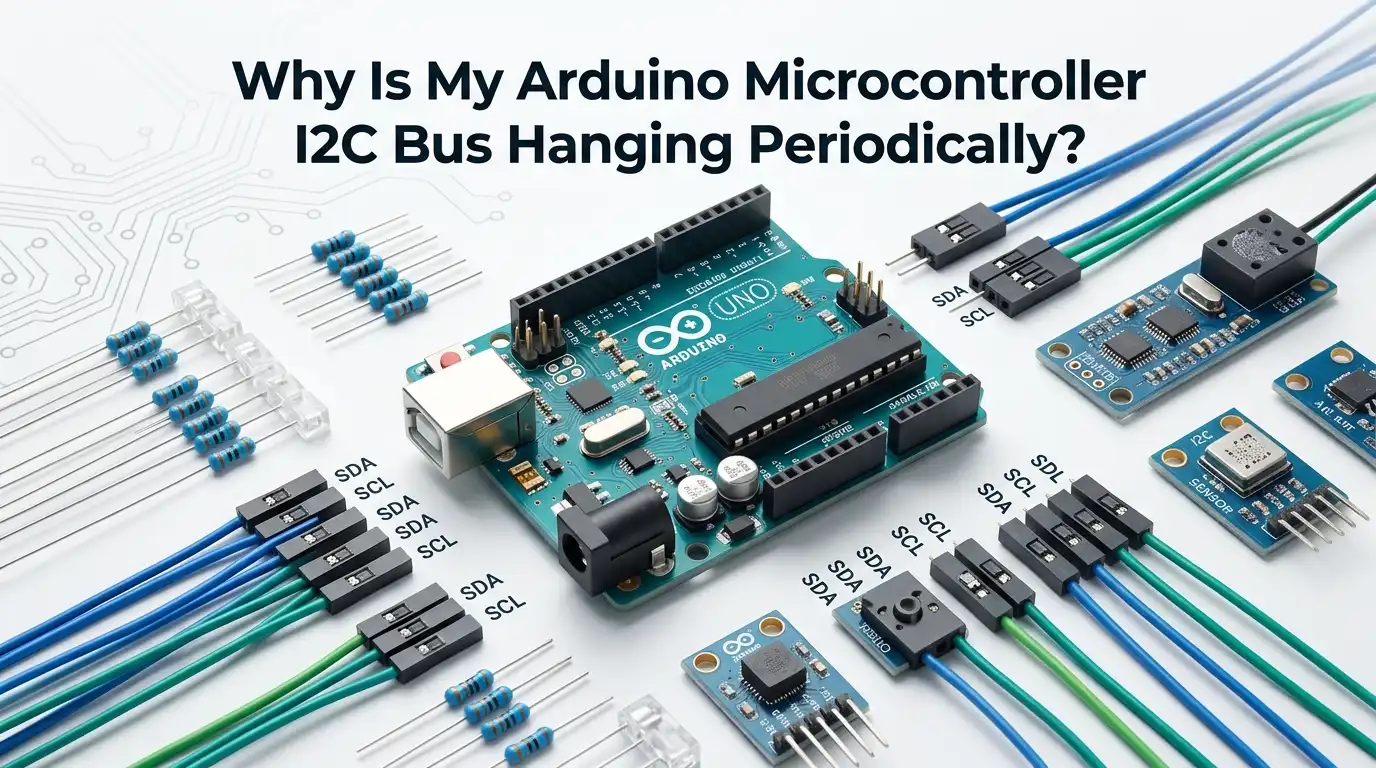
Why Is My Arduino Microcontroller I2C Bus Hanging Periodically?
If your Arduino project works for a few seconds, a few minutes, or even a few hours and then the I2C bus suddenly stops, you are not alone. This is one of the most common and most annoying faults in small embedded systems.
The hard part is that the failure often looks random. One moment your sensor reads fine. The next moment the sketch freezes, data stops updating, or the bus stays busy forever.
The good news is simple. A periodic I2C hang usually comes from a short list of causes. In most cases, the real issue is weak pull up resistors, a bus that runs too fast, clock stretching, noisy wiring, bad power sequencing, or a device that holds SDA or SCL low after a fault.
Key Takeaways
- Most periodic I2C hangs are hardware problems first. Many people start with code changes, but the bus often fails because of pull up values, long wires, weak power, or one device that does not release the line. Start with the physical bus before you rewrite your sketch. That saves time and removes guesswork.
- Slowing the bus is the fastest test you can run. If the hang becomes rare or disappears after you lower the clock, your root cause is often signal quality, bus capacitance, or clock stretching. This does not always solve the real issue, but it gives you a very strong clue about where to look next.
- Enable Wire timeout protection early. A timeout will not repair a bad bus by itself, but it stops your sketch from waiting forever. That matters in real projects. A system that reports an error is much better than a system that freezes with no clue. Timeouts turn silent failures into visible failures.
- A stuck bus needs recovery logic. If SDA stays low, the controller can try clock pulses to release the target device. If that fails, a reset or power cycle may be needed. Recovery code is a safety net, not an excuse to ignore the real cause. Use both recovery and root cause fixes together.
- Power and reset timing matter more than many people think. A sensor that starts late, browns out, or wakes in a bad state can hold the bus low. Intermittent I2C faults often come from unstable startup conditions. If the failure happens after motor loads, relay clicks, or USB changes, power is a serious suspect.
- The best fix is a repeatable test plan. Change one thing at a time. Log errors. Run long tests. Then confirm the hang is gone. This method feels slow, but it is the shortest path to a stable build. Random changes create random results.
What a periodic I2C hang usually means
A periodic I2C hang usually means one of two things. Either the controller is waiting for a bus event that never finishes, or a target device is holding SDA or SCL low and blocking new traffic.
In plain terms, one part of the conversation stopped, but the rest of the system never got the message. That is why the sketch can appear frozen or stuck in a read or write call. This is the core pattern to remember.
The bus can hang even when your code looks fine. The trigger is often electrical, not logical. Noise, weak pull ups, bus capacitance, bad startup timing, or clock stretching can all create a state where the line never returns high.
Pros: this problem is common, well known, and usually fixable. Cons: the failure can feel random, so it can waste hours if you test without a plan.
Start with a quick hardware check
Before you change code, do a fast physical inspection. Check SDA and SCL pin routing. Confirm that every device shares a common ground. Confirm that board voltage levels match.
Make sure no connector is loose. If you use jumper wires, press them again and test. A slightly bad contact can work for ten minutes and then fail from movement, heat, or vibration. A two minute check can save two hours.
Also look for mixed voltage devices on the same bus. Some setups work at first and then fail under load because the logic high level is marginal. That kind of fault is sneaky. The bus may pass a scanner test and still hang later during longer traffic.
Pros: fast, free, and safe. Cons: a visual check will not catch every timing issue. Still, this is a good first step because it removes the easy mistakes early.
Fix pull up resistor problems first
I2C lines are open drain, so SDA and SCL need pull up resistors to return high. If the pull ups are too weak, edges rise too slowly. If too many boards each add their own pull ups, the total value can become too low and stress the bus.
A common starting point is 4.7k ohms for each line, but the best value depends on bus length, capacitance, and device count. This is one of the biggest reasons for periodic hangs.
If your bus has several breakout boards, count how many pull ups are already present. Many modules include them by default. Too many parallel pull ups can create a bus that seems strong but behaves badly.
Pros: fixing pull ups often solves the issue fast. Cons: it may require checking schematics or cutting jumpers on some boards. If you only test one hardware change today, test this one first.
Slow the bus and see if the fault disappears
Lower the I2C clock and run the same test again. On Arduino, using Wire.setClock(100000); is a solid baseline. For hard cases, try Wire.setClock(10000); for a test session. If the hang becomes rare or vanishes, you just learned something important.
The bus is likely close to its signal limit, or a device needs more time than your current speed allows. This is a simple test with high value.
A lower clock does not heal a broken design, but it helps you separate software bugs from bus quality issues. It is one of the cleanest diagnostic moves you can make.
Pros: easy to try, very informative, and often effective. Cons: lower speed reduces update rate. If your project needs fast sampling, this may be a test step first and a final fix only if performance still meets your needs.
Turn on Wire timeout protection
Recent Arduino Wire implementations support timeout protection. This matters because a bad I2C state can otherwise leave your sketch waiting forever.
Add timeout support during setup and test for timeout flags in your read and write paths. A common example is Wire.setWireTimeout(3000, true); if your board supports it. This changes a hard freeze into a visible fault.
Use timeouts as a shield, not as a hiding place. If a timeout happens, your bus still has a deeper problem. The timeout just stops the damage from spreading through the whole sketch. It also lets you log the fault and attempt recovery.
Pros: better reliability, easier logging, and no more silent lockups. Cons: data in that failed transaction may be bad, and some boards do not support the same timeout features. Still, this is a must do for real projects.
Use scanner and error codes to find the weak point
Run an I2C scanner before and after the system hangs. If a device vanishes after the fault, that is a strong clue. Also check return codes from your transactions.
On Arduino, Wire.endTransmission() can tell you if the write succeeded, if the address was not acknowledged, if data was not acknowledged, or if a timeout occurred. These little codes are very useful.
Do not treat every failure as the same failure. If you get an address NACK, the device may be missing, asleep, or held in reset. If you get a timeout, the line may be stuck. That difference matters a lot when you debug.
Pros: very low effort and high insight. Cons: scanners do not catch every timing fault, and some hangs happen only under full workload. Use the scanner as a clue tool, not as the only test.
Look for clock stretching trouble
Clock stretching happens when a target device holds SCL low because it needs more time. That behavior is part of I2C, but controller support and device behavior are not always smooth in real projects.
If your sensor does extra processing before it returns data, periodic stalls can show up as long waits or full hangs when the bus timing is already marginal. Clock stretching is a real suspect when the fault appears during reads.
A very practical test is simple. Slow the bus and increase the gap between commands. Then see if the fault rate drops. If it does, the device may need more breathing room. This is common with busy sensors and mixed device buses.
Pros: the fix can be as simple as more time between operations. Cons: it can reduce speed, and some controller and device pairs still behave badly even after tuning.
Short wires and cleaner layout reduce random hangs
I2C works best over short, clean connections. Longer wires add capacitance and pick up noise. That slows the rising edge and makes the bus easier to disturb.
If your Arduino talks to boards through long jumpers, breadboard traces, or wiring that runs beside motors and relays, you have a strong chance of signal trouble. Periodic hangs often come from layout, not from code.
Try the shortest possible test setup. Put the boards close together. Route SDA and SCL away from high current lines. Add a solid ground return. If the system becomes stable on the bench with short wiring, you found a major clue. The bus is telling you it wants a cleaner path.
Pros: this fix improves the whole system. Cons: it may require a physical rebuild. Even so, cleaner wiring is often the change that turns an unstable prototype into a stable device.
Check power, reset order, and brownout events
Some I2C buses hang because one device powers up late or enters a bad state during a voltage dip. That can happen when motors start, relays switch, displays light up, or USB power changes. A target device that resets badly may hold SDA low and block everyone else. If the hang appears after a power event, trust that clue.
Watch for startup order too. If the controller begins bus traffic before a target device is ready, the first exchange can go wrong and leave the bus in a broken state. This is easy to miss because it may happen only once every few boots.
Pros: fixing power issues improves more than I2C. Cons: the test may need a scope or careful logging. Start with simple steps such as larger local decoupling, cleaner supply routing, and a short delay before the first I2C transaction.
Clear a stuck bus with a recovery routine
If SDA is stuck low, a bus clear routine can help. The usual idea is simple. Switch the I2C pins to GPIO, pulse SCL about nine times, then issue a stop condition and start the bus again. This can move a confused target device back to idle. It is a smart recovery layer for field use.
Do not assume recovery always works. If SCL itself is stuck low, or if the target device is badly wedged, you may need a reset pin or a power cycle. Recovery logic should sit beside good hardware practice, not replace it.
Pros: great for self healing systems and remote devices. Cons: it adds code and may fail if the root problem is severe. Still, this method is worth adding once your basic wiring and timing are already reasonable.
Reset, isolate, or replace the device that holds the line low
When one device keeps breaking the bus, the best answer may be direct action. Reset that device with a dedicated reset line if available. Power it from a switchable rail if your design allows that. In difficult systems, use bus isolation so a failed target does not lock the whole bus. This is the strongest fix when one part is clearly the bad actor.
You can prove the case by removing devices one at a time and running long tests. If the hang disappears only when one device is gone, your search has become much smaller. That is real progress. At that point, you can decide whether to keep it, isolate it, or swap it for a better behaved part.
Pros: high confidence fix for repeat offenders. Cons: more hardware work and possible board changes. For long life products, this effort is often worth it.
Build a repeatable test loop before you call it fixed
A bus that survives five minutes is not proven stable. You need a repeatable test loop. Read and write the device in a timed pattern. Count failures. Print error codes. Log uptime. Then run the system long enough to cover the period where the fault used to appear. This is how you stop guessing.
Change one variable at a time. For example, test lower clock first, then different pull ups, then shorter wires, then timeout support. If you change many things at once, you will not know what solved the problem. Clear tests create clear answers.
Pros: this method gives confidence and saves future time. Cons: it asks for patience. But patience here is cheaper than chasing the same fault again next week.
A practical fix order that works for most Arduino projects
If you want the shortest path, use this order. First, inspect wiring, grounds, and voltage levels. Second, confirm pull ups and remove extra ones if needed. Third, lower the bus speed. Fourth, enable Wire timeout protection.
Fifth, add error logging and run a scanner before and after failures. Sixth, test shorter wires and cleaner routing. Seventh, add a bus clear routine. Eighth, reset or isolate the target device that still causes trouble. This order works because it moves from easiest and most likely to deeper fixes.
The biggest mistake is to start with random code edits. That burns time and hides clues. Move in a clean sequence and you will usually find the root cause faster.
Pros: easy to follow and proven in many small systems. Cons: it may feel basic at first. That is fine. Simple methods solve most I2C hangs.
How to keep the bus stable in the long run
Once your system is stable, keep it that way with a few habits. Use short buses. Keep grounds solid. Avoid extra pull ups. Add startup delay before the first transaction if a target needs time.
Log transaction errors in development builds. Keep timeout protection active. Test after every hardware change. Good habits prevent old bugs from returning.
Also think about failure behavior. Ask a simple question. If the bus hangs in the field, what should the device do next. Should it retry, reset the bus, reset the target, or reboot the whole unit. That answer belongs in your design, not only in your lab notes.
Pros: long term stability and easier maintenance. Cons: a little more planning today. That planning pays back every time the product runs without surprises.
FAQs
Why does my I2C bus hang only after several minutes and not right away?
That pattern often points to heat, noise, power dips, or timing drift under repeated traffic. A loose wire or weak pull up can look fine during a short test and fail later. Long run tests are important because they expose conditions that a quick bench check misses. Start by lowering clock speed, enabling timeouts, and logging the exact error when the hang appears.
Can software alone fix a hanging I2C bus?
Software can reduce the impact, but it rarely fixes the full cause by itself. Timeouts, retries, and bus recovery routines help a lot. They keep the sketch alive and can recover from some stuck states. But if the root cause is bad pull ups, long wires, noise, or poor power, the hang will come back. The best result comes from software protection plus hardware cleanup.
What is the best Arduino clock speed for a noisy I2C setup?
For debugging, 100 kHz is a safe starting point, and 10 kHz is a very useful test speed when the bus looks unstable. If a system becomes stable at lower speed, signal quality or clock stretching is likely part of the problem. Once the bus is clean, you can raise speed again and test carefully. Choose the slowest speed that still meets your real update needs.
Should I reboot the whole Arduino when the I2C bus hangs?
A full reboot can recover the system, but it should be your fallback, not your first answer. Try timeout handling, bus clear logic, and target reset first. Those options are faster and less disruptive. If your device works in a remote place, a watchdog and controlled reboot can still be a smart safety layer. Just make sure you also keep working on the real bus fault.

Hi, I’m Minnie Cole, the creator of The Output Lab — a space where I share my passion for all things tech. I spend my days exploring the latest gadgets, devices, and electronics on Amazon, putting them through real-world testing so you don’t have to.