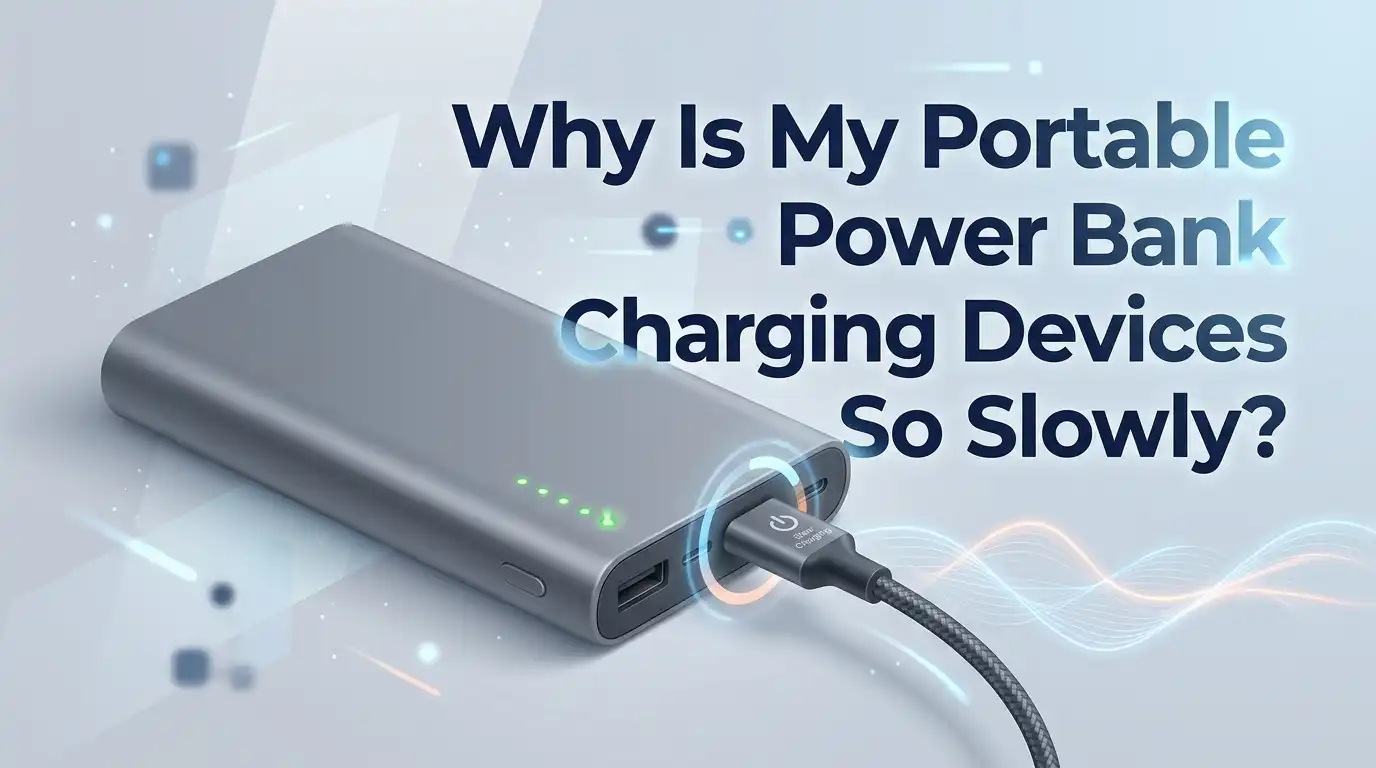
Why Is My Portable Power Bank Charging Devices So Slowly?
You grab your power bank, plug in your phone, and wait. And wait. An hour later, your battery has barely moved. Sound familiar? A slow power bank feels like a broken promise. You bought it for speed and freedom, not for staring at a stubborn battery icon.
The good news is simple. Slow charging almost always has a clear cause. Most of the time, the fix takes just a few minutes. You do not need to be a tech expert, and you do not need to buy anything new in many cases. You just need to know where to look.
In this guide, you will learn exactly why your portable charger drags its feet. You will get step by step solutions, real pros and cons for each method, and answers to the questions people ask most. Let us get your devices charging fast again.
Key Takeaways
- Power, not capacity, controls speed. A big mAh number does not mean fast charging. The wattage (watts) decides how quickly your device fills up. Always check the output rating printed on your power bank.
- The cable is the silent culprit. A cheap, thin, long, or damaged cable can quietly cut your charging speed in half. Swapping the cable is the easiest first test you can run.
- Matching protocols unlock full speed. Your phone and power bank both need to support the same fast charging standard, such as Power Delivery (PD) or Quick Charge (QC). A mismatch forces a slow trickle.
- Heat slows everything down. A hot power bank throttles its own output to protect the battery. Cooling it down often restores normal speed instantly.
- Habits hurt or help. Using your phone while charging, splitting power across two ports, and ignoring battery health all eat into your speed. Small changes add up fast.
- Old age is real. Power banks wear out after many charge cycles. If yours is years old, slow speed may signal a tired battery rather than a fixable fault.
Understand How Power Bank Charging Speed Actually Works
Many people blame the wrong thing. They see a high mAh number and expect lightning speed. That number measures capacity, not speed. Capacity tells you how much energy the bank holds. Speed depends on something else entirely.
Charging speed comes from watts. Watts equal volts multiplied by amps. A higher wattage means faster charging. A basic power bank might output 10 watts. A fast one can push 18, 30, 45, or even 65 watts.
Think of it like water. Capacity is the size of the tank. Wattage is the width of the pipe. A huge tank with a thin pipe still pours slowly. So when your charging feels slow, look at the output wattage first, not the capacity. This single shift in thinking explains most slow charging complaints.
Check the Output Rating on Your Power Bank
Your power bank prints its specs right on the body or near the ports. Find the line that says Output. It usually reads something like 5V/2.4A or 5V/3A, 9V/2A. These numbers tell you the maximum speed the bank can deliver.
Multiply volts by amps to get watts. For example, 9V times 2A equals 18 watts. That is decent. If your output reads only 5V/1A, that is just 5 watts, which is genuinely slow for modern phones.
Pros of checking the rating: It is free, takes seconds, and instantly sets your expectations. You learn whether the bank is even capable of fast charging.
Cons: The printed number is a maximum, not a guarantee. Real speed can fall lower due to cables, heat, or your device. Still, this is always the right place to start.
Test and Replace Your Charging Cable
The cable is the most common reason for slow charging, and people overlook it constantly. A worn, thin, or low quality cable cannot carry enough current. It chokes the flow before the power even reaches your phone.
Run a quick test. Grab a different cable, ideally a thicker one rated for fast charging or marked for high wattage. Plug it in and watch the speed. If it improves, you found your problem.
Shorter cables work better than long ones. Long cables lose power over distance, which drops your charging rate. A damaged cable with bent pins or frayed wire also slows things down or stops charging completely.
Pros: Cheap fix, easy to test, solves a huge share of slow charging cases.
Cons: Quality cables cost a little more. You may need to try two or three before you find a great one. Worth it for the speed boost.
Match the Fast Charging Protocol on Both Sides
Fast charging works like a handshake. Your phone and your power bank must both speak the same language. These languages are called protocols, such as Power Delivery (PD), Quick Charge (QC), or brand systems like VOOC and SuperVOOC.
If your phone supports PD but your power bank only offers basic 5V output, you get slow charging. The two cannot negotiate a faster deal, so they fall back to the slowest safe speed.
Check your phone specs and your power bank specs. Look for matching terms. A PD phone wants a PD power bank. A USB C to USB C cable also helps trigger the fastest mode on many devices.
Pros: Matching protocols can double or triple your speed with no other change.
Cons: You cannot add a protocol to old hardware. If the support is not there, your only fix is different equipment.
Clean the Charging Ports on Both Devices
Dust, lint, and pocket grime collect inside charging ports. Over time, this debris blocks a solid connection. A blocked port means weak contact, and weak contact means slow charging. This problem builds up so slowly that you may never notice.
Look into the port with a flashlight. If you see packed lint or dirt, it is time to clean. Power off the device first for safety.
Use a wooden or plastic toothpick or a burst of compressed air. Gently lift out the debris. Never use metal, since metal can damage the tiny pins or cause a short.
Pros: Costs nothing, takes two minutes, and often restores full speed on its own.
Cons: You must be gentle to avoid harm. Deeply stuck grime may need a careful second pass. Still, this is a safe and satisfying fix.
Stop Using Your Device While It Charges
This one surprises people. When you use your phone during charging, the battery fills and drains at the same time. Heavy apps, games, video, and bright screens all pull power right back out. The result feels painfully slow.
Imagine pouring water into a bucket with a hole in it. The water still goes in, but the level barely rises. Active use is that hole. The bigger the task, the bigger the drain.
Try this test. Put your phone in airplane mode or turn it off completely, then charge. Watch how much faster the battery climbs.
Pros: Free, instant, and proves the cause clearly. Great for emergency top ups when you need speed.
Cons: You cannot use your phone during the fast charge. That trade off is hard when you are waiting on a message or call.
Charge Only One Device at a Time
Many power banks have two or three ports. It feels smart to charge everything at once. But here is the catch. The power bank splits its total output across all active ports. Each device gets a smaller slice.
So if your bank delivers 18 watts total and you plug in two phones, each may get only 9 watts or less. That cuts your speed in half right away.
For the fastest charge, use one port and one device. Many banks also have one special high power port marked for fast charging. Use that one alone for the best result.
Pros: A simple habit change with a big speed payoff. No cost, no tools.
Cons: You can only charge one device quickly at a time. If you travel with several gadgets, you must wait and rotate them.
Keep Your Power Bank Cool While Charging
Heat is the enemy of speed. When a power bank gets hot, it lowers its own output on purpose. This is a safety feature. The internal circuit throttles power to protect the lithium battery from damage and fire risk.
You might notice your bank charging fast at first, then slowing down once it warms up. That slowdown is heat protection in action, not a fault.
Help it stay cool. Remove any thick case during charging. Keep the bank out of direct sunlight and off soft surfaces like beds or couches that trap heat. Let air flow around it.
Pros: Keeping it cool restores speed and protects long term battery health. No cost.
Cons: In hot climates or summer travel, cooling can be hard. You may need to wait for a cooler spot or shaded area.
Use a Wall Charger to Refill the Power Bank Faster
Sometimes the slow part is the power bank itself, not the phone. A power bank that is nearly empty cannot pass full speed to your device. It needs enough internal charge to push power out strongly.
The fix is to charge your power bank properly between uses. Plug it into a wall adapter that matches its input rating. Check the input number on the bank, such as 5V/3A or PD 18W input.
A weak charger, like an old slow brick or a laptop USB port, refills the bank very slowly. A matching wall charger fills it far faster, so it is ready when you need it.
Pros: A full, healthy bank delivers its rated speed reliably. You avoid the empty bank slowdown.
Cons: You need the right wall adapter, which not everyone owns. Charging the bank itself still takes time before you can use it.
Reset Your Power Bank to Clear Glitches
Power banks contain small circuit boards and software. Sometimes that software freezes or gets confused. A glitch can lock the bank into a slow charging state even when nothing physical is wrong.
A reset often clears this. The method depends on your model. If your bank has a power button, press and hold it until the lights turn off, then release and power it back on.
If there is no button, simply unplug everything and leave the bank alone for a minute or two. Then reconnect. Some advanced banks reset when you press the button several times quickly.
Pros: Free, fast, and fixes hidden software hiccups that no cleaning can solve.
Cons: It does not help if the cause is physical, like a bad cable or worn battery. Think of it as a quick first try, not a guaranteed cure.
Inspect Your Power Bank for Age and Battery Wear
Power banks do not last forever. Every lithium battery has a limited number of charge cycles. Most last a few hundred to around a thousand full cycles. After that, capacity drops and speed often fades too.
If your bank is several years old or charged almost daily, wear is likely. An aging battery holds less energy and pushes power out more weakly. It may also heat up faster, which triggers more throttling.
Watch for warning signs. The bank drains quickly, charges your phone less than it used to, gets hot easily, or swells. A swollen bank is a safety hazard. Stop using it at once.
Pros: Knowing the truth saves you from chasing fixes that cannot work on worn hardware.
Cons: There is no repair for a tired battery. Replacement is the only real path forward, which costs money.
Update or Match Your Device Settings for Fast Charging
Your phone plays a role too. Some phones include settings that limit charging speed. These features protect battery health, but they can make charging feel slow when you want speed.
Check your phone settings. Look for options like optimized charging, battery protection, or charging limits. Some phones cap the battery at 80 percent overnight or slow the rate to reduce wear.
Also keep your phone software updated. Updates sometimes improve how the phone manages power and talks to chargers. A bug in old software can block fast charging entirely.
Pros: Adjusting settings is free and can unlock speed your phone was holding back.
Cons: Turning off battery protection may shorten battery lifespan slightly over time. You must balance speed today against health tomorrow. Choose based on your needs.
Know When to Replace Your Power Bank
After all the fixes, sometimes the honest answer is replacement. If your bank is old, weak, swollen, or simply too low in wattage, no trick will make it fast. Knowing when to let go saves you frustration.
Ask yourself a few questions. Does it still charge slowly with a new cable and a clean port? Is it warm and tired even when half full? Does it support modern fast charging at all?
If the answers point to worn or outdated hardware, a newer model with higher wattage output and modern protocol support will serve you far better. Look for the output watts and the protocol name, not just the mAh.
Pros: A modern bank gives reliable, fast charging and better safety features.
Cons: It costs money, and you must research specs carefully. Focus on wattage and protocol to avoid repeating the same slow problem.
Frequently Asked Questions
Why does my power bank charge slower than the wall outlet?
A wall outlet usually delivers more steady power than a power bank. Your bank also has to convert and manage its stored energy, which loses a little speed and efficiency. As long as your bank matches your phone protocol and uses a good cable, the gap stays small.
Does a higher mAh power bank charge faster?
No. More mAh means more capacity, not more speed. A higher mAh bank can charge your phone more times before it runs out. Speed depends on the wattage output, so always check the watts if you want fast charging.
Is it bad to use my phone while it charges on a power bank?
It is not dangerous in normal use, but it slows charging a lot. Your phone drains power as it fills, so the battery rises slowly. For the fastest charge, leave your phone idle or switch it off while it charges.
Why does my power bank get hot and slow down?
Heat triggers a safety feature. The bank lowers its output to protect the battery from damage. Remove thick cases, move it out of sunlight, and place it on a hard, cool surface. Once it cools, normal speed usually returns.
How long should a power bank last before it slows down for good?
Most power banks handle a few hundred to around a thousand charge cycles. After that, capacity and speed drop. With daily use, expect noticeable wear within two to three years. Light, careful use can stretch that lifespan further.
Can a cheap cable really cause slow charging?
Yes, very much so. A thin or low quality cable cannot carry enough current. This is one of the most common slow charging causes. Swapping to a thicker, fast charge rated cable is the easiest and cheapest fix you can try first.

Hi, I’m Minnie Cole, the creator of The Output Lab — a space where I share my passion for all things tech. I spend my days exploring the latest gadgets, devices, and electronics on Amazon, putting them through real-world testing so you don’t have to.