Why Is My AI Voice Assistant Triggering Randomly Without a Wake Word?
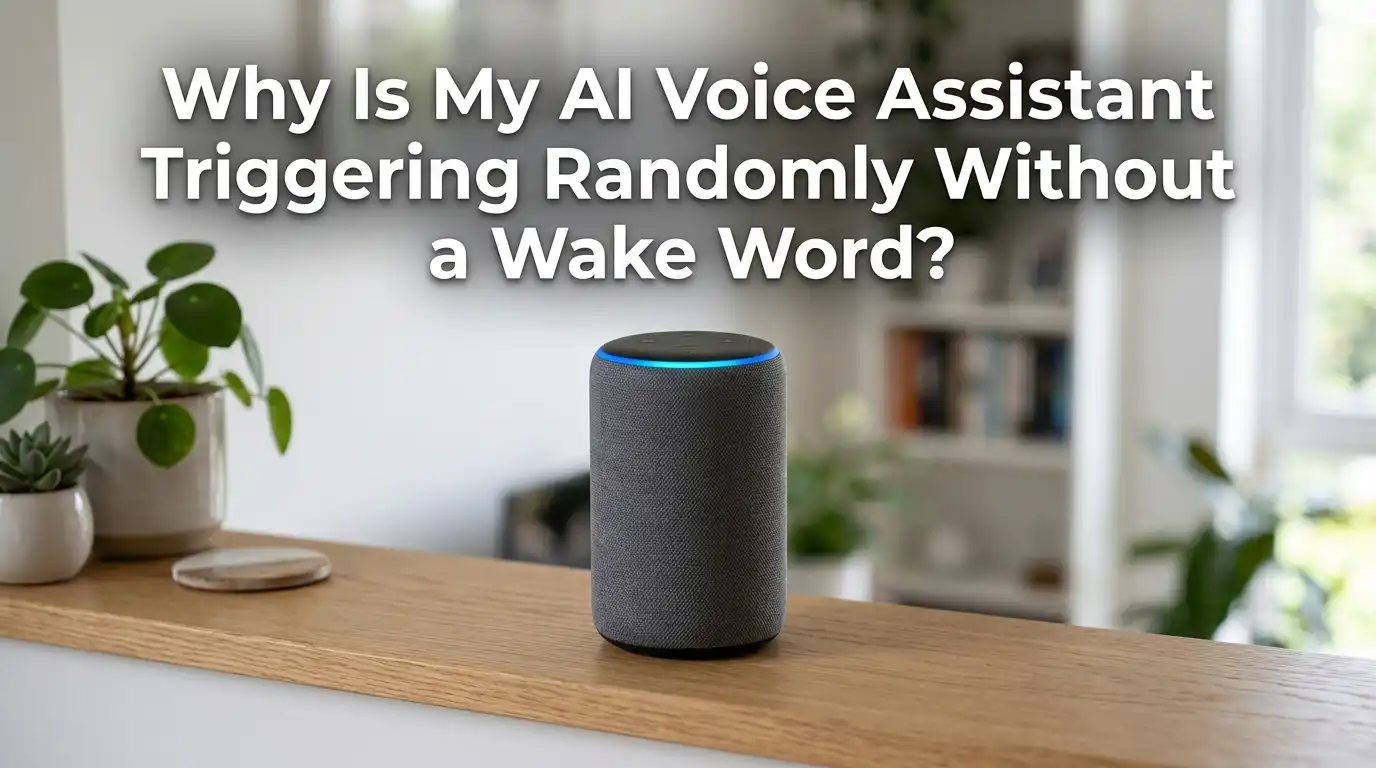
You are sitting quietly in your living room. Nobody said a word. Then, out of nowhere, your smart speaker lights up and starts talking. Sound familiar? You are not alone.
Studies show that up to 64% of voice assistant users have experienced accidental activations. A Northeastern University study found that smart speakers can falsely activate as many as 19 times a day.
This post will walk you through every reason your AI voice assistant wakes up on its own and give you practical, step by step solutions to stop it from happening again.
In a Nutshell
- Common words cause false activations. Research shows that words like “exclamation,” “seriously,” “Colorado,” and even “actually” can sound close enough to wake words like Alexa, Siri, or Cortana. Your assistant does not have perfect hearing, and phonetic similarities trick it regularly.
- Television and background audio are major culprits. Smart speakers respond to any voice that sounds like a command. A character on a TV show saying something close to your wake word can set off your device instantly.
- Microphone sensitivity plays a big role. Most voice assistants let you adjust how sensitive the microphone is to the wake word. A setting that is too high will cause your device to react to faint or distant sounds that were never meant for it.
- Firmware and software bugs can cause phantom wake ups. Outdated software sometimes creates glitches where the device activates without any clear audio trigger. Keeping your assistant updated fixes many of these issues.
- You can review and delete accidental recordings. Amazon, Google, and Apple all provide tools to see what your assistant heard and recorded. Checking these logs helps you identify patterns and understand what triggered the activation.
- Simple placement changes reduce false triggers significantly. Moving your smart speaker away from your TV, radio, or kitchen can cut accidental activations by a large margin because it reduces exposure to misleading sounds.
How Wake Word Detection Actually Works
Your voice assistant uses a small, lightweight AI model that runs directly on the device. This model listens constantly for one specific phrase, like “Hey Google,” “Alexa,” or “Hey Siri.”
It does not record or send everything to the cloud. It only activates when it detects a sound pattern that closely matches the stored wake word model.
The problem is that this detection model works on probability, not certainty. It calculates how closely an incoming sound matches the wake word pattern. If the match score crosses a set threshold, the device wakes up.
This means any sound that shares phonetic features with the wake word can accidentally cross that threshold. The system favors responsiveness over precision because missing a real command feels worse to users than an occasional false alarm.
Common Sounds and Words That Trigger False Activations
Researchers at Northeastern University and Imperial College of London identified specific words and phrases that trigger different assistants. For Google Home, words rhyming with “hey” followed by a hard G sound cause problems. Phrases like “A.P. girl” and “OK, and what” triggered activations during testing.
For Amazon Echo devices, words containing a K sound similar to “Alexa” are frequent offenders. Words like “exclamation,” “Kevin’s car,” and “congresswoman” all caused false wake ups.
Apple HomePod responds to words rhyming with “Hi” or “Hey” followed by an S sound, so “seriously,” “historians,” and “hey sorry” set it off. These are everyday words you use in normal conversation, and your assistant simply cannot always tell the difference.
Television and Media Are a Hidden Cause
One of the biggest sources of false activations is your television. When a character on a TV show says a word that sounds like your wake word, your assistant hears it the same way it would hear you.
The Northeastern University study used 125 hours of Netflix content and recorded hundreds of false activations across multiple devices.
Shows with fast dialogue, varied accents, and dramatic speech patterns cause the most problems. News broadcasts are also a frequent trigger because anchors speak clearly and project their voices.
Moving your smart speaker at least six feet away from your TV is one of the easiest and most effective fixes. You can also lower your TV volume slightly or use closed captions to reduce how much audio reaches the device.
Pros of repositioning: Free, instant, no settings changes needed.
Cons of repositioning: May reduce how well the device hears your real commands from certain spots.
Your Microphone Sensitivity Is Set Too High
Most modern voice assistants let you control how sensitive the wake word detection is. Google Home, for example, has a dedicated sensitivity slider in the Google Home app under device settings. Amazon Echo devices offer a similar microphone sensitivity option in newer models.
If this setting is too high, the device will react to faint sounds, background conversations, and even audio from other rooms.
Lowering the sensitivity by one or two notches often eliminates most false triggers without affecting your ability to use voice commands normally. You should test the device after each adjustment to make sure it still responds when you actually call it.
Pros of lowering sensitivity: Directly reduces false activations, easy to reverse.
Cons of lowering sensitivity: The device might occasionally miss your real voice commands, especially from farther away.
Changing Your Wake Word Can Help
Some wake words are simply easier to confuse with common speech than others. Amazon Echo devices let you switch between “Alexa,” “Echo,” “Amazon,” and “Computer.”
Each one has different false activation patterns. Research found that the wake word “Echo” triggered on words containing vowel plus K or G sounds, while “Computer” activated on words starting with “co” or “go.”
Switching to a less common wake word can reduce random activations. If you live in a household where someone’s name sounds like “Alexa,” changing the wake word is an obvious and immediate fix.
Google and Apple do not currently offer custom wake word options, but Amazon gives you several choices. Test each one for a few days to find the one that produces the fewest false triggers in your home.
Outdated Firmware Causes Phantom Wake Ups
Voice assistant manufacturers regularly release updates that improve wake word detection accuracy. These updates refine the AI model that listens for the trigger phrase, reducing false positives over time. If your device is running old firmware, it may use an older, less accurate detection model.
Check your device’s software version in its companion app. Amazon Echo devices update automatically when connected to Wi Fi, but you can force a check by saying “Alexa, check for software updates.”
Google Home devices also update automatically, but restarting the device can prompt it to install a pending update. Keeping your device on the latest software is one of the simplest ways to reduce false activations because each update typically improves the accuracy of wake word recognition.
Ultrasonic and Inaudible Sounds Can Trigger Your Device
This one might surprise you. Research has shown that sounds at frequencies near the edge of human hearing can sometimes activate voice assistants.
Certain appliances, electronics, and even high pitched tones from other speakers can produce sounds you cannot hear but your smart speaker’s microphone can detect.
A 2023 study from USENIX demonstrated that near ultrasound signals could be modulated to mimic voice commands. While this is more of a security concern than an everyday annoyance, it highlights that not all false triggers come from audible sources.
If your device activates at random times with no apparent sound, check nearby electronics. Devices like CRT monitors, older televisions, certain LED dimmers, and even some pet deterrent devices emit high frequency sounds that may confuse your assistant.
Placement and Room Acoustics Matter More Than You Think
Hard surfaces like tile, glass, and hardwood floors reflect sound waves. This creates echoes that can make normal speech sound different to your smart speaker’s microphone. A word said softly across the room may bounce off a wall, blend with other sounds, and arrive at the device sounding like a wake word.
Placing your smart speaker on a soft surface, near curtains or a bookshelf, can reduce these reflections. Avoid putting the device in corners where sound tends to amplify.
A central location on a shelf with soft materials nearby gives the microphone the cleanest possible audio input. This alone can noticeably reduce false activations, especially in open floor plans and rooms with minimal furniture.
Pros of optimizing placement: Improves both accuracy and reduces false triggers.
Cons of optimizing placement: You may need to experiment with several spots before finding the best one.
How to Review and Delete Accidental Recordings
Every major voice assistant lets you review what it recorded during accidental activations. For Amazon Alexa, open the Alexa app, go to Settings, then Alexa Privacy, and select Review Voice History.
You can listen to each recording and see exactly what triggered the device. You can also delete individual recordings or clear your entire history.
For Google Assistant, visit your Google Activity Controls page to see and delete stored voice data. Apple Siri lets you opt out of audio storage entirely in your device’s Siri settings, and you can delete all saved recordings from there.
Checking these logs regularly helps you identify patterns. If you see the same word or phrase causing repeated triggers, you know exactly what to fix.
Use the Physical Mute Button When You Need Silence
Every smart speaker has a physical microphone mute button. When pressed, the device completely stops listening. No wake word detection, no accidental recordings, nothing. This is the most reliable way to prevent false activations during specific times, like movie night, private conversations, or bedtime.
The mute button is a hardware switch on most devices, meaning it physically disconnects the microphone rather than relying on software. This makes it trustworthy even for privacy focused users.
Get into the habit of muting the device when you are not actively using it. You lose the convenience of hands free activation, but you gain complete control over when the device listens.
Pros of muting: 100% effective at preventing false activations, hardware level privacy.
Cons of muting: You must manually unmute the device before you can use voice commands again.
Set Up Routines and Notifications to Monitor Activations
Both Amazon and Google let you set up notifications or review logs that show when the device activated and why.
Amazon’s Alexa app shows a card in your activity feed every time the device wakes up, along with what it heard. You can use this feature as a monitoring tool to track how often false activations happen.
If you notice activations clustered at certain times, like during your favorite TV show, you have found the cause. You can then mute the device during those times or adjust its position.
Google Home also shows recent activity in the app. Reviewing this data once a week gives you a clear picture of your device’s behavior and helps you make targeted adjustments instead of guessing.
When to Consider a Factory Reset or Device Replacement
If you have tried every fix listed above and your device still activates randomly, a factory reset may be necessary. This restores all settings to their original state and forces the device to download the latest software fresh. It clears any corrupted data or glitched settings that might be causing phantom activations.
To factory reset an Amazon Echo, hold the Action button for 20 to 25 seconds. For Google Home, hold the microphone mute button for about 15 seconds. If the problem continues even after a reset, the device’s microphone hardware may be faulty.
Contact the manufacturer’s support team for a replacement. Hardware issues are rare, but microphones can degrade over time, especially in humid or dusty environments, and a damaged microphone can produce erratic behavior.
Frequently Asked Questions
Why does my Alexa light up in the middle of the night?
Alexa may activate at night because of sounds you do not notice, such as a passing car, a pet moving, or even your HVAC system. Background sounds can produce audio patterns that briefly match the wake word threshold. Muting the microphone at bedtime is the simplest solution.
Can my voice assistant record me without the wake word?
Your assistant should not record without detecting the wake word first. However, false activations mean it thinks it heard the wake word and begins recording briefly. You can review and delete these recordings in the companion app for your device.
Does lowering microphone sensitivity affect normal use?
Lowering the sensitivity by one or two levels usually does not affect normal use if you are in the same room as the device. You may need to speak slightly louder or move closer if you lower it significantly. Test the setting after each change.
Will changing the wake word stop all false activations?
Changing the wake word reduces false activations but does not eliminate them entirely. Some wake words have fewer common phonetic matches in everyday language. Experimenting with different options helps you find the one that works best for your environment.
Is my smart speaker spying on me during false activations?
Researchers have found no evidence that accidental recordings are used in harmful ways. However, these recordings may be stored temporarily and could be reviewed by human quality assurance teams unless you opt out in your privacy settings. Deleting your voice history regularly is a smart habit.
How often should I check for software updates on my voice assistant?
Most devices update automatically, but checking once a month in the companion app ensures you have the latest improvements. Restarting your device periodically also helps it install any pending updates that may not have applied yet.
Hi, I’m Minnie Cole, the creator of The Output Lab — a space where I share my passion for all things tech. I spend my days exploring the latest gadgets, devices, and electronics on Amazon, putting them through real-world testing so you don’t have to.