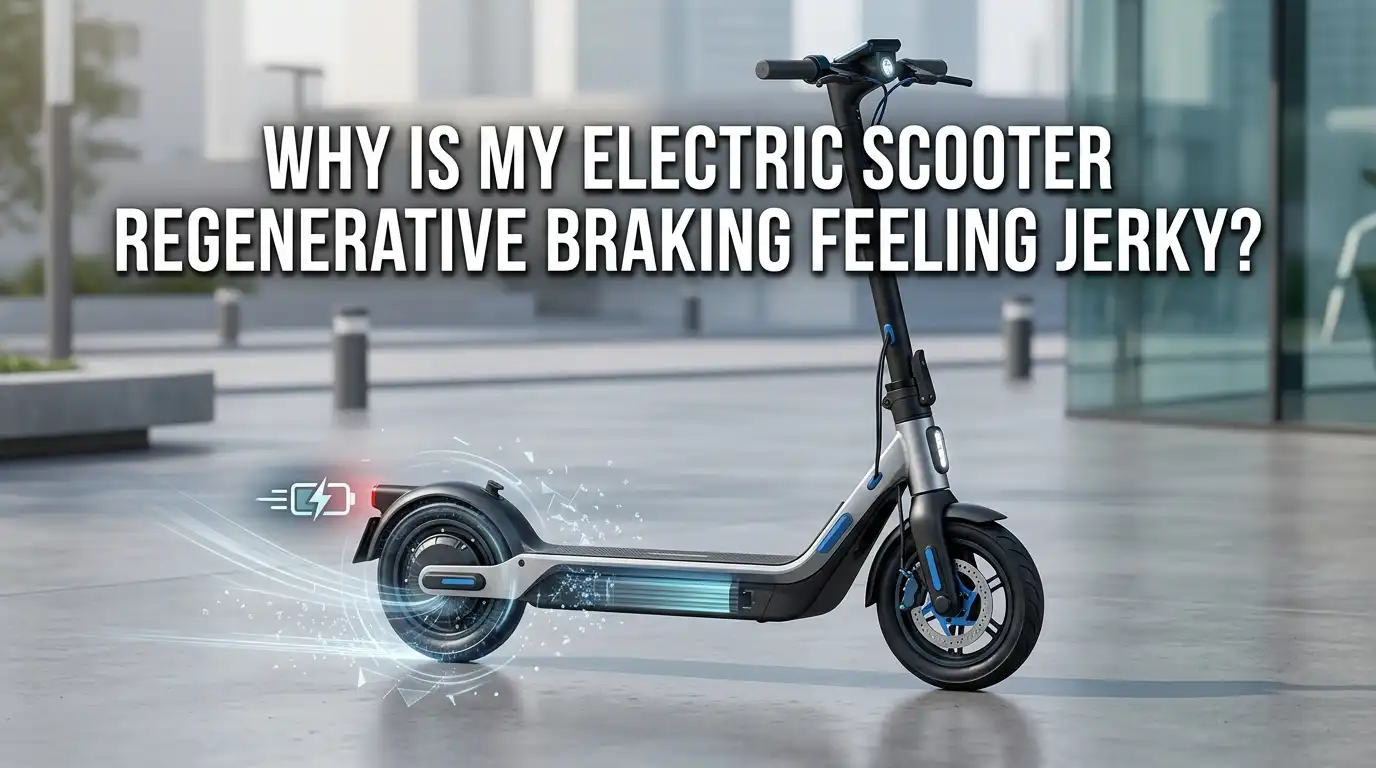
Why Is My Electric Scooter Regenerative Braking Feeling Jerky?
Your electric scooter should glide to a stop smoothly. But lately, the regenerative brake jolts, stutters, or grabs in sharp bursts. That jerky feeling is annoying, and it can even feel unsafe at higher speeds.
The good news? Most jerky regen issues come from a small list of common problems. Loose wiring, dirty sensors, full batteries, or controller glitches often sit at the root of the trouble. Once you know where to look, you can fix it at home with basic tools.
This guide walks you through every likely cause. You will learn quick checks, step by step fixes, and the pros and cons of each method. By the end, your regen braking should feel buttery smooth again.
Key Takeaways
- Full or near full battery is the most common cause of weak or jerky regen. The battery cannot accept more charge, so the controller cuts power in pulses. Ride a few minutes to drop the charge before testing again.
- Loose phase wires or hall sensor connectors make the motor cog, stutter, or shake during braking. A quick inspection inside the deck or stem usually reveals the issue.
- Faulty brake lever hall sensor sends bad signals to the controller. The result is sudden grabbing or on and off braking pressure. Replacing the lever is a cheap fix.
- Dirty or corroded contacts inside the motor cable or controller plug cause patchy signals. Cleaning and reseating connectors often solves the problem instantly.
- Wrong P settings or firmware bugs in the controller can make regen feel harsh. Adjusting the brake strength setting or updating firmware smooths it out.
- Worn motor bearings or bent axle create mechanical vibration that mimics electrical jerkiness. Inspect the wheel for play before blaming the electronics.
Understanding How Regenerative Braking Works on Your Scooter
Regenerative braking turns your motor into a generator. When you squeeze the brake lever, the controller reverses the energy flow. The spinning wheel pushes current back into the battery instead of drawing from it.
This process creates resistance, which slows the scooter down. It also adds a small amount of charge to your battery. The system relies on three parts working together: the brake lever sensor, the controller, and the motor windings.
If any one of these parts sends a weak or uneven signal, the braking force becomes uneven too. That is why jerkiness is almost always a signal issue, a wiring issue, or a battery state issue rather than a true mechanical brake problem.
Check the Battery State of Charge First
A fully charged battery cannot store extra energy. When you brake, the controller has nowhere to send the regen current. It pulses the braking force on and off to protect the battery cells. This feels like jerky, stuttering deceleration.
Step by step fix: Charge your battery to about 80 percent instead of 100 before long rides. Ride for ten to fifteen minutes after a full charge to use some power before testing regen again.
Pros of this fix: It costs nothing and prevents long term battery damage. Cycling between 20 and 80 percent extends battery life.
Cons: You lose a small bit of range per ride. Some riders forget and charge to full out of habit, so the problem returns.
Inspect the Brake Lever Hall Sensor
The brake lever uses a hall sensor to tell the controller how hard you are squeezing. A worn or misaligned sensor sends jumpy voltage readings. The controller then applies regen in sharp bursts instead of a smooth curve.
Step by step fix: Unplug the brake lever connector at the stem. Inspect the small magnet inside the lever. Reseat the connector firmly and check that no pins are bent. If the problem stays, swap in a new brake lever assembly.
Pros: Brake levers are cheap and easy to replace. Most use plug and play connectors with two or three wires.
Cons: You may need to match the connector type for your scooter model. Generic levers sometimes give different resistance values, so the regen feel can change after replacement.
Look for Loose or Damaged Motor Phase Wires
The motor uses three thick phase wires to spin and to brake. If one wire is loose, frayed, or shorted, the motor cogs roughly during regen. This often shows up as a bumpy, grinding resistance rather than smooth slowing.
Step by step fix: Power off the scooter and unplug the battery. Open the deck or stem to expose the motor cable. Check each phase bullet connector for a tight fit. Look for melted insulation or black soot around the pins.
Pros: Tightening or replacing a bullet connector takes under thirty minutes with basic tools. Fixing this also prevents motor controller failure later on.
Cons: Opening the scooter may void your warranty. Some sealed hub motors require careful cable routing to keep water out after reassembly.
Test the Hall Sensors Inside the Motor
The motor has three small hall sensors that tell the controller where the rotor is. If one sensor fails, the motor still spins, but braking feels rough and uneven. Regen is more sensitive to hall faults than throttle is.
Step by step fix: Use a multimeter on the hall sensor wires. Spin the wheel slowly by hand and watch for three clean voltage pulses. If one signal is missing or stuck, the sensor is dead and the motor needs a new hall set or a full replacement.
Pros: Confirming a hall fault saves you from guessing. A clean diagnosis means you fix the right part the first time.
Cons: Replacing hall sensors inside a hub motor is fiddly. Many riders prefer to swap the whole motor instead, which costs more.
Clean and Reseat All Electrical Connectors
Dirt, moisture, and vibration loosen connectors over time. Even a tiny gap on one pin causes the controller to read jumpy data. That jumpiness shows up as jerky regen during braking.
Step by step fix: Disconnect each plug along the motor and controller harness. Spray electrical contact cleaner on the pins. Let them dry, then push the plugs back together firmly until they click.
Pros: This is the cheapest fix on the list. A can of contact cleaner solves many mystery scooter problems at once.
Cons: It is a temporary fix if the underlying cause is water ingress. You may need to add dielectric grease or heat shrink to keep moisture out long term.
Adjust the Controller P Settings or Brake Strength
Many scooters let you tune the regen strength through the dashboard or a mobile app. A setting that is too aggressive feels like grabbing, while one too weak feels mushy. The middle setting usually feels best for daily riding.
Step by step fix: Open your scooter manual and find the P setting list. Look for the brake strength or regen level value. Lower it by one step at a time and test ride between changes. Some brands like NIU and Apollo also offer app based sliders.
Pros: No tools needed. You can fine tune the feel to match your weight and riding style.
Cons: Wrong settings can shorten brake distance or cause sudden cutoffs. Always test in a safe open area before riding in traffic.
Update or Reflash the Controller Firmware
Older firmware sometimes has bugs that cause uneven regen pulses. Brands often release updates to smooth the braking curve. A firmware refresh can transform a jerky scooter into a silky one.
Step by step fix: Check your brand’s official app or website for a firmware update. Connect your scooter through Bluetooth or a service cable. Follow the prompts and do not interrupt the process.
Pros: Free, fast, and reversible on most models. Updates often fix other small bugs at the same time.
Cons: Some custom or unlocked firmwares remove safety limits. Stick to official versions unless you fully understand the risks. A failed flash can brick the controller, so charge the battery first.
Check the Wheel for Mechanical Play
Sometimes the jerky feeling is not electrical at all. A bent axle, loose axle nut, or worn motor bearing creates vibration during regen. The motor magnets pull harder during braking, which amplifies any mechanical slack.
Step by step fix: Lift the rear wheel off the ground. Grab the tire and wiggle it side to side. Any clicking or movement points to a bearing or axle issue. Tighten the axle nuts to the torque listed in your manual.
Pros: A quick wiggle test rules out mechanical causes in under a minute. Catching a loose axle early prevents a dangerous wheel failure later.
Cons: Bearing replacement on a hub motor needs a press or specialty tools. Most riders take this job to a scooter shop.
Inspect the Controller for Burnt MOSFETs
The controller uses power transistors called MOSFETs to switch current during regen. A burnt or weak MOSFET cannot handle the reverse current smoothly. The result is rough, uneven braking that gets worse over time.
Step by step fix: Open the controller housing and look for any black soot, swollen capacitors, or cracked components. A burnt smell is a strong clue. If you see damage, replace the controller with the same model and amp rating.
Pros: A new controller often fixes several issues at once, including weak acceleration and odd error codes. It also restores full regen smoothness.
Cons: Controllers can be pricey for high power scooters. Wiring a new one wrong can damage the motor, so take photos before unplugging anything.
Watch Out for Cold Weather Effects
Lithium batteries hate cold temperatures. Below about 40 degrees Fahrenheit, the cells resist charging. Regen braking feeds current into a sluggish battery, and the controller throttles back the regen to protect the cells.
Step by step fix: Warm the scooter indoors before riding in winter. Ride gently for the first few minutes to let the battery warm up. Avoid relying only on regen in cold weather. Use your mechanical brakes more often instead.
Pros: This costs nothing and protects your battery from long term damage. Cold riding habits extend overall pack life.
Cons: You still feel weaker regen in winter. There is no way around the chemistry of cold lithium cells, so plan longer stopping distances on chilly days.
Balance Regen With Your Mechanical Brakes
Many riders forget that regen is just one part of the braking system. Relying only on the electric brake puts huge stress on the motor and controller. Using both together gives smoother stops and reduces jerkiness.
Step by step fix: Adjust your disc or drum brakes so they engage with a light squeeze. Practice using mechanical brakes first, then add regen as a backup. This habit also saves your motor from overheating on long descents.
Pros: Smoother stops, longer component life, and shorter braking distance. Mechanical brakes work even if the battery is full or the controller fails.
Cons: Mechanical brakes wear out and need adjustment every few months. Pads and rotors are an ongoing maintenance cost, but a small one.
When to Take Your Scooter to a Professional
Some fixes are beyond a typical home toolkit. If you smell burning, see smoke, or notice sparks, stop riding right away. A pro mechanic can test the controller under load and diagnose deeper faults safely.
Step by step approach: Write down exactly when the jerkiness happens, such as at high speed, low speed, full battery, or only in cold weather. Share this with the technician. Ask for a printed quote before approving repairs.
Pros: Trained eyes catch problems you might miss. Professional repairs often come with a short warranty on parts and labor.
Cons: Shop rates add up fast. Some smaller brands have limited service networks, so shipping the scooter back to the maker may be the only option.
FAQs
Why does my regen braking feel stronger after a long ride?
As the battery drains, it can accept more regen current. The controller no longer needs to pulse the brakes to protect the cells. That is why the same scooter feels jerky at full charge and smooth at half charge.
Can I turn off regenerative braking completely?
Some scooters let you disable regen through the P settings or an app. Others have it hard wired into the controller. Turning it off makes the throttle release feel free, but you lose a small amount of range and braking power.
Is jerky regen braking dangerous?
It can be at high speeds. Sudden grabbing can lock the rear wheel briefly or upset your balance. Fix the issue before riding in traffic or on steep hills. Use your mechanical brakes as the main stopping force until repairs are done.
How long do brake lever hall sensors last?
Most last several years under normal use. Rain, dust, and crashes shorten their life. A failing sensor often starts with mild jerkiness before going fully dead, so address the symptoms early.
Will riding in the rain damage my regen system?
Water can corrode connectors and short out hall sensors. Most scooters have a low IP rating, so avoid deep puddles. Dry the scooter and open the deck to check for moisture if you get caught in heavy rain.
Does jerky regen affect battery life?
Yes, in two ways. Constant pulsing stresses the cells. And riders sometimes charge to 100 percent every night to compensate for weak regen, which also shortens battery life. Fix the root cause and charge to 80 percent for the best results.

Hi, I’m Minnie Cole, the creator of The Output Lab — a space where I share my passion for all things tech. I spend my days exploring the latest gadgets, devices, and electronics on Amazon, putting them through real-world testing so you don’t have to.