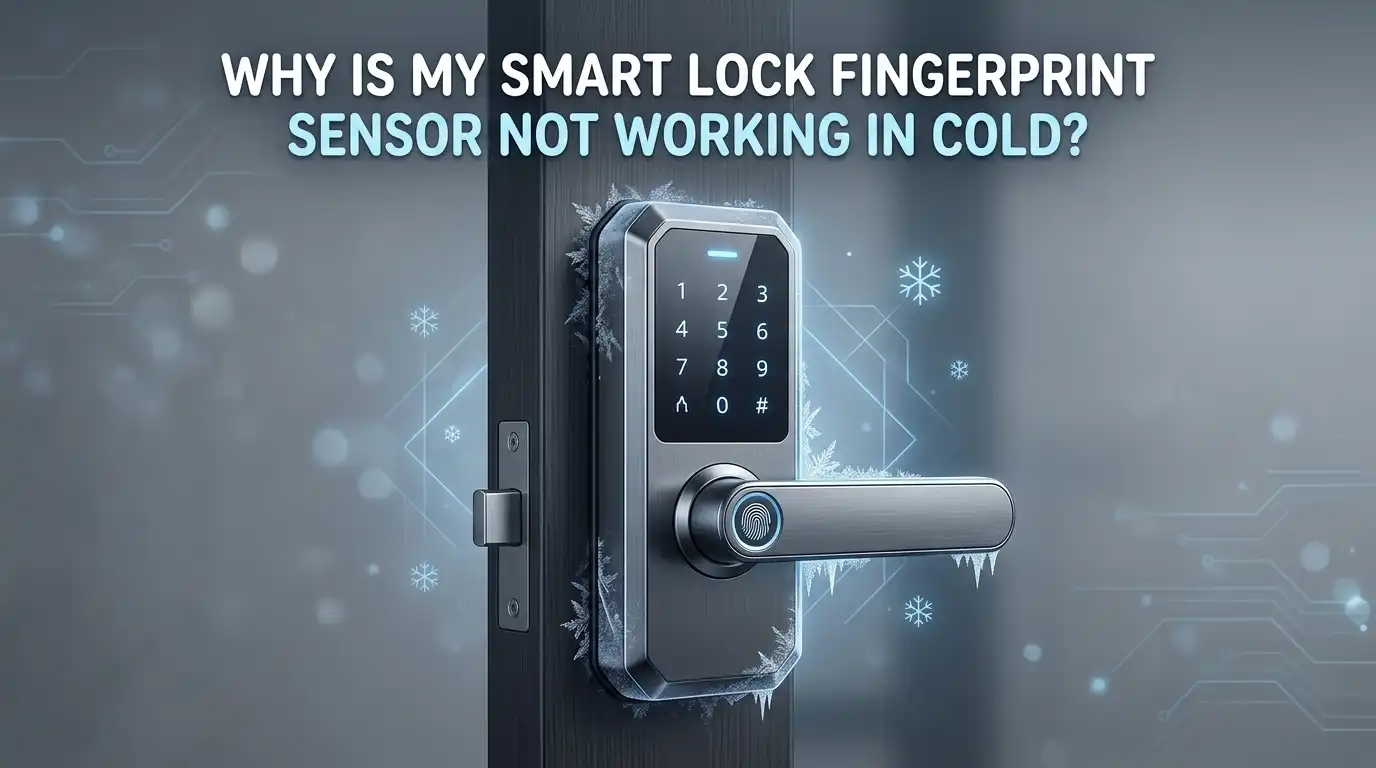
Why Is My Smart Lock Fingerprint Sensor Not Working in Cold?
You step up to your front door on a freezing winter morning, press your finger against the smart lock sensor, and nothing happens. You try again. Still nothing. Your finger is cold, the air is dry, and the lock just stares back at you like it has no idea who you are. Sound familiar?
This is one of the most common frustrations smart lock owners face during cold months. The fingerprint sensor that works flawlessly in the summer suddenly becomes unreliable, slow, or completely unresponsive.
The good news is that this problem has clear causes and real solutions. Cold weather affects both your skin and the sensor hardware in specific ways that you can address with a few practical steps.
Key Takeaways
- Cold weather changes your skin. Low temperatures cause your fingertips to lose moisture and shrink slightly. Dry, cracked, or shrunken fingerprint ridges become harder for a sensor to read. This is the single most common reason your fingerprint sensor fails in winter.
- Capacitive sensors depend on skin conductivity. Most smart locks use capacitive fingerprint sensors. These sensors measure the tiny electrical signals from your skin. Cold weather reduces blood flow to your fingers, drops skin moisture, and lowers electrical conductivity. The sensor simply cannot get a clear reading.
- Batteries drain faster in the cold. Cold temperatures slow the chemical reactions inside batteries. A lock that shows a healthy charge at room temperature may lose up to 50% of its capacity at 0°F. Weak battery power can make the sensor sluggish or unresponsive.
- Simple fixes work. Breathing on your finger, applying a small amount of hand lotion, or warming your hands for a few seconds before scanning can restore recognition in most cases. These are fast, effective solutions that cost nothing.
- Winter maintenance prevents bigger problems. Switching to lithium batteries, cleaning the sensor pad, and re-enrolling your fingerprints during colder months can keep your lock working all season. A little preparation goes a long way.
- Backup entry methods are essential. Every smart lock owner in a cold climate should have a secondary way to get inside. A PIN code, a physical key, or a phone app can save you from a frustrating lockout when the fingerprint sensor fails.
How Cold Weather Affects Your Fingertip Skin
Your fingerprint sensor reads the unique pattern of ridges and valleys on your fingertip. In cold weather, your skin changes in ways that make this pattern harder to detect.
Low temperatures pull moisture out of your skin. Dry winter air combined with cold exposure causes your fingertips to lose their natural oils and hydration. The ridges on your skin become less defined and may even crack or peel. A sensor that needs a clear, detailed image of your fingerprint suddenly receives a faded, broken one.
Your body also reduces blood flow to your extremities in cold weather. This is a protective response to keep your core warm. Less blood flow means less warmth and less moisture at your fingertips. The result is a finger that looks and feels different from the one you originally enrolled in the lock.
This biological change alone accounts for most cold weather fingerprint failures. The sensor is not broken. Your finger has simply changed enough that the stored template no longer matches.
Why Capacitive Sensors Struggle in Low Temperatures
Most smart lock fingerprint readers use capacitive sensor technology. This type of sensor creates an image of your fingerprint by measuring the small electrical charge your skin produces when it touches the sensor surface.
Capacitive sensors rely on skin conductivity to function. Your skin conducts electricity because it contains moisture and has active blood circulation near the surface. In cold weather, both of these factors decrease. Reduced moisture means lower conductivity. Reduced blood flow means less warmth reaching the sensor surface.
When skin conductivity drops below a certain level, the sensor cannot capture a usable image. It may reject your scan entirely or return an error.
This is especially true at temperatures below 14°F (minus 10°C), where many capacitive sensors begin to perform poorly. Some sensor manufacturers list operating ranges as narrow as 23°F to 131°F, which means anything below freezing can push the system outside its comfort zone.
Pros of capacitive sensors: Fast recognition, compact size, good accuracy in normal conditions.
Cons of capacitive sensors: Highly sensitive to dry skin, moisture loss, and cold temperatures.
The Role of Battery Drain in Sensor Failure
Cold weather does not just affect your fingers. It directly impacts the power source inside your smart lock. Most smart locks run on AA batteries, and these batteries perform significantly worse in freezing conditions.
Alkaline batteries can lose up to 50% of their capacity at 0°F (minus 18°C). This power drop can make the fingerprint sensor slow to respond, dim the keypad backlight, or prevent the lock from processing a scan at all. You might think the sensor is broken when the real problem is a dying battery.
Lithium batteries handle cold much better. They maintain stable voltage output down to minus 40°F (minus 40°C) and resist the chemical slowdown that affects alkaline cells. If you live in a cold climate, switching to lithium AA batteries is one of the most effective upgrades you can make.
Pros of lithium batteries: Reliable in extreme cold, longer lifespan, lighter weight.
Cons of lithium batteries: Higher upfront cost than alkaline batteries.
How Condensation Damages the Sensor Over Time
Temperature swings between warm indoor air and cold outdoor air create a hidden problem: condensation. When warm, humid air from inside your home meets the cold surface of the lock mounted on the exterior, tiny water droplets can form on and inside the sensor.
Over time, this moisture buildup can cause corrosion on the sensor contacts, cloud the scanning surface, or create mineral deposits that interfere with readings. A sensor that seems fine in early winter may gradually lose accuracy as condensation damage accumulates through the season.
This is a slow process, but it adds up. Locks installed on doors that face wind or rain are especially vulnerable. Regular cleaning and inspection of the sensor surface can prevent this damage from becoming permanent. A quick wipe with a soft cloth dampened with isopropyl alcohol can remove moisture residue and keep the sensor clean.
Warm Your Fingers Before Scanning
The fastest and simplest fix for a failed fingerprint scan in cold weather is to warm your finger before you touch the sensor. This restores some of the moisture, blood flow, and conductivity your skin needs for a successful read.
Here are several quick methods that work. Breathe on your fingertip for a few seconds. The warmth and moisture from your breath can improve recognition immediately.
You can also tuck your hands into your armpits or pockets for 30 seconds before scanning. Rubbing your hands together briskly generates friction heat that increases blood flow to your fingertips.
One user tip that appears frequently in online forums is to lightly lick your fingertip before scanning. While this does add moisture, it can also leave residue on the sensor over time. Breathing on your finger is a cleaner and equally effective approach.
Pros of warming techniques: Free, immediate, no tools or products required.
Cons of warming techniques: Temporary fix, must be repeated every time, not practical in extreme cold.
Apply Moisturizer to Your Fingertips
Dry skin is the core problem behind most cold weather fingerprint failures. Applying a thin layer of hand lotion or moisturizer to your fingertips can restore the moisture level your sensor needs to get a clean scan.
The key word here is thin. You only need a small amount. Too much lotion can coat the sensor surface and act as a contaminant, which will cause even more failed scans. Apply a small dab to your scanning finger and rub it in well before attempting a scan.
Look for moisturizers that absorb quickly and do not leave a greasy film. Water-based formulas work better than oil-based ones for this purpose. Keep a small tube of hand cream near your door or in your coat pocket during winter months.
Pros of using moisturizer: Restores skin conductivity, easy to carry, inexpensive.
Cons of using moisturizer: Over-application can dirty the sensor, needs consistent use throughout winter.
Re-Enroll Your Fingerprints for Winter
Your smart lock stores a digital template of your fingerprint during enrollment. If you enrolled your prints during warm weather, your skin was at its most hydrated and full. Cold weather changes the shape and texture of your ridges enough that the stored template may no longer match.
Re-enrolling your fingerprints during the colder months can solve this mismatch. Delete your existing fingerprint entries from the lock and add new ones while your hands are in their typical winter condition. This gives the sensor a template that matches what it will actually see on a daily basis.
Some locks allow you to store multiple prints of the same finger. If yours does, try enrolling the same finger twice under different conditions. Enroll once with warm, moist hands and once with cooler, drier hands. This gives the lock a wider range of acceptable matches and improves recognition across different temperatures.
Pros of re-enrollment: Addresses the root cause, improves accuracy long term.
Cons of re-enrollment: Takes a few minutes to set up, may need to be repeated each season.
Clean the Fingerprint Sensor Regularly
A dirty sensor surface is a common but overlooked cause of failed scans. Dust, skin oils, moisture residue, and dried lotion can build up on the sensor and block a clear reading. Cold weather makes this worse because condensation adds extra moisture that leaves behind mineral deposits when it evaporates.
Clean the sensor pad with a soft, lint-free cloth lightly dampened with isopropyl alcohol. Do not spray liquid directly onto the sensor. Wipe gently and allow the surface to dry completely before testing a scan.
Make this part of your fall and winter maintenance routine. Cleaning the sensor once every two weeks during cold months can prevent gradual buildup from affecting performance. Avoid using harsh chemicals, abrasive cloths, or paper towels, as these can scratch the sensor surface and cause permanent damage.
Use Backup Entry Methods During Winter
Every smart lock that offers fingerprint scanning also provides at least one alternative way to unlock the door. During cold months, these backup methods become critical.
PIN code entry is the most common alternative. A keypad does not care if your fingers are cold or dry. You simply punch in your code and the door opens. If your lock has a keypad, make sure you have a working code memorized and tested before winter arrives.
Physical key override is another reliable backup. Most smart locks include a hidden keyhole for emergency access. Keep a spare key in a secure but accessible location, such as with a trusted neighbor or in a lockbox.
Smartphone app control is also useful. Many smart locks can be unlocked through Bluetooth or Wi-Fi using a companion app. This removes the need to touch the sensor entirely. Just open the app and tap unlock.
Pros of backup methods: Reliable in all weather, no skin condition issues.
Cons of backup methods: PIN codes can be observed, keys can be lost, apps require a charged phone.
Protect Your Lock From Direct Weather Exposure
A smart lock mounted on an exposed exterior door takes a beating from wind, rain, snow, and temperature swings. This direct exposure accelerates every cold weather problem, from sensor condensation to battery drain.
Installing a weatherproof cover or shield over the exterior portion of your lock can make a significant difference. These covers block direct precipitation, reduce wind chill on the lock surface, and help the sensor stay a few degrees warmer than the surrounding air.
Check the area around the lock’s mounting plate for gaps. Even small openings can allow cold air and moisture to reach the internal components. Seal any gaps with silicone caulk. Make sure the door’s weatherstripping is in good condition so that warm indoor air does not push moisture into the lock assembly.
Pros of protective covers: Reduces ice, slows condensation, extends hardware lifespan.
Cons of protective covers: Adds a step when accessing the sensor, may not fit all lock models.
Check Your Lock’s Operating Temperature Range
Every smart lock has a published operating temperature range in its specifications. If the temperature in your area drops below this range, the lock is not designed to function reliably. This applies to the fingerprint sensor, the keypad, the motor, and the battery performance.
Many popular smart locks are rated for a minimum of 14°F (minus 10°C). Some models built for harsh climates can operate down to minus 22°F (minus 30°C) or lower. If your lock regularly fails below a certain temperature, compare that temperature against the manufacturer’s specs.
If your current lock is not rated for your climate, consider upgrading to a model specifically built for cold weather operation. Look for locks with wide temperature ranges, high IP weather ratings (IPX4 or above), and zinc alloy or stainless steel construction. These materials resist contraction and corrosion better than plastic housings.
When to Call a Professional for Help
If you have tried all the steps above and your fingerprint sensor still fails in cold weather, the problem may be deeper than surface-level fixes can address. Internal corrosion, motor damage, or a failing sensor module may require professional attention.
A trained locksmith can diagnose whether the issue is mechanical, electrical, or related to the installation itself.
They can also check the door alignment, strike plate position, and weatherproofing of the lock housing. A door that shifts even slightly due to seasonal wood expansion can put stress on the bolt mechanism and cause intermittent failures.
Do not try to force the lock open or disassemble the sensor yourself. This can void the warranty and cause more expensive damage. A professional visit early in the winter season is far cheaper than replacing an entire lock assembly after months of forced use.
Frequently Asked Questions
Why does my fingerprint sensor work fine indoors but fail outside?
Indoor environments are warmer and more humid. Your skin stays hydrated and your blood circulation remains normal. Outside in cold weather, your skin dries out and your body reduces blood flow to your fingertips. The sensor receives a weaker, less detailed fingerprint image outdoors, which leads to failed scans.
Can I use my smart lock fingerprint sensor while wearing gloves?
Standard gloves block the sensor completely. The sensor needs direct contact with bare skin to read your fingerprint. Some thin, capacitive-compatible gloves allow touchscreen use, but they still block fingerprint ridges from reaching the sensor. You must remove your glove to scan your finger.
How often should I clean my fingerprint sensor in winter?
Clean the sensor every one to two weeks during cold months. Condensation, skin oils, and lotion residue build up faster in winter. Use a soft cloth with a small amount of isopropyl alcohol. This simple habit prevents gradual accuracy loss.
Will re-enrolling my fingerprint fix cold weather scan failures?
In many cases, yes. Your fingerprint ridges change slightly in cold, dry conditions. If you enrolled your prints during warm weather, the stored template may not match your winter fingerprint. Re-enrolling during cold months creates a template that reflects your current skin condition and improves recognition accuracy.
What type of battery works best for smart locks in cold climates?
Lithium AA batteries are the best choice for cold climates. They maintain stable voltage output at temperatures as low as minus 40°F, while alkaline batteries lose up to half their capacity near 0°F. Lithium batteries cost more but provide far more reliable performance throughout winter.
At what temperature do smart lock fingerprint sensors start to fail?
Most fingerprint sensors begin to struggle below 14°F (minus 10°C). Some users report issues starting around 32°F (0°C), especially if their skin is already dry. The exact threshold depends on your sensor type, skin condition, and battery health. Checking your lock’s rated operating temperature range gives you the most accurate answer for your specific model.

Hi, I’m Minnie Cole, the creator of The Output Lab — a space where I share my passion for all things tech. I spend my days exploring the latest gadgets, devices, and electronics on Amazon, putting them through real-world testing so you don’t have to.