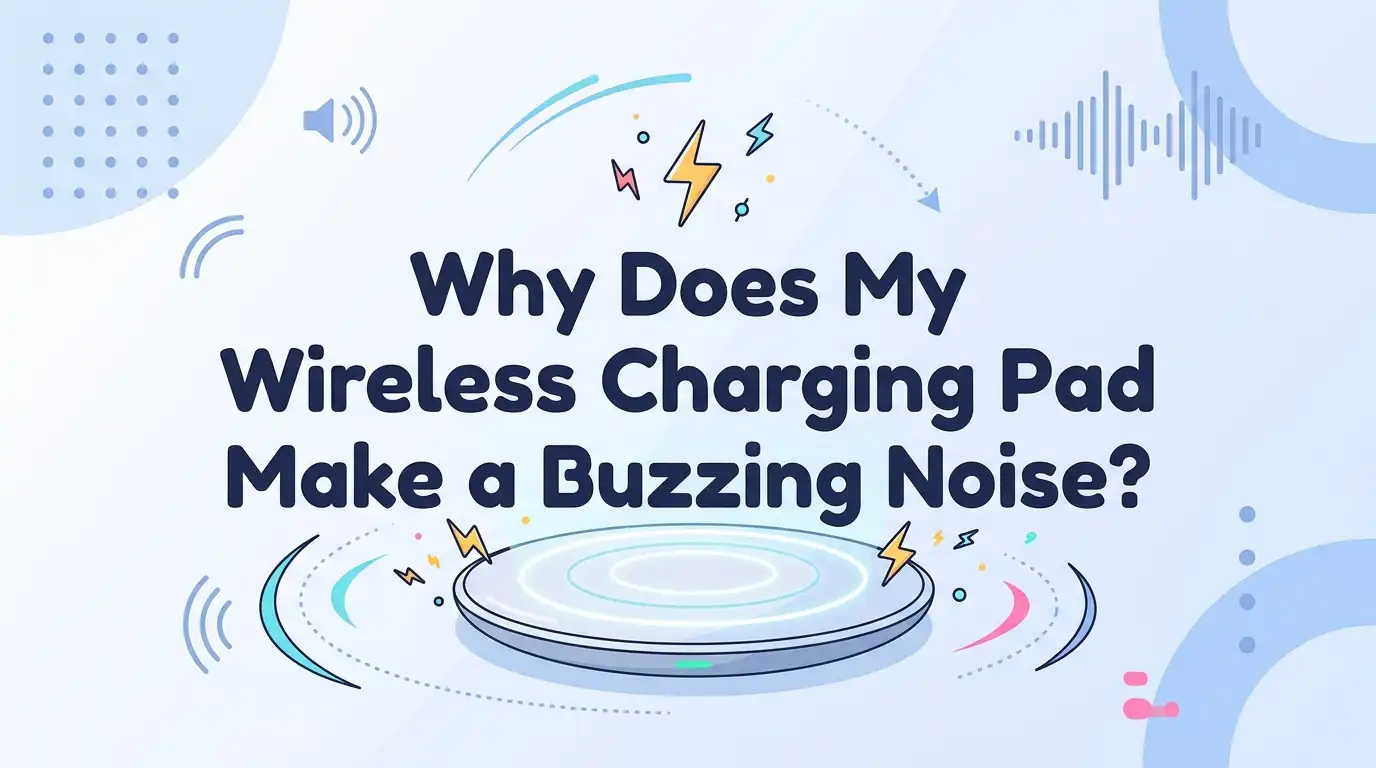
Why Does My Wireless Charging Pad Make a Buzzing Noise?
That soft buzzing sound from your wireless charging pad can feel confusing and a little worrying. You set your phone down, expect quiet, and instead hear a faint hum or a sharp whine.
The good news is simple. Most buzzing noises come from normal parts doing their job, and many fixes take just a few minutes. Some sounds, though, signal a real problem you should not ignore.
This guide explains every common cause in plain words. You will learn what each noise means, how to test your setup, and which steps stop the sound for good. Let us get your charging pad quiet again.
In a Nutshell
- A faint hum is usually normal. Every electrical device vibrates a little when power flows through it. Coils and capacitors inside the pad move slightly, and that movement creates sound waves you can sometimes hear.
- Loud, sharp, or sizzling noise means trouble. A high pitched whine or a crackling sound tells you something is wrong with the power adapter, the coil, or the cable. You should act on these quickly.
- Phone alignment matters a lot. A phone placed off center makes the charger work harder and louder. Centering your phone fixes many buzzing problems instantly.
- Fast charging and fans add noise. Fast wireless charging pushes more power and creates stronger vibrations. Cooling fans inside some pads also hum during use.
- Cheap pads buzz more. Low quality materials around the coils pass sound through instead of blocking it. A better built pad runs quieter.
- Simple swaps solve most cases. Changing the power brick, the cable, the surface, or the phone case clears the noise in the majority of situations.
What the Buzzing Noise Actually Is
The buzzing sound comes from physics, not magic. Your wireless charging pad holds a copper coil inside. When electricity flows through that coil, it creates a magnetic field. This field transfers power to your phone without wires. The same field also makes the coil and nearby parts vibrate very fast.
Those tiny vibrations push against the air. The air carries the movement to your ears as sound. This effect is called coil whine. Capacitors inside the pad can buzz too. Most of the time this hum stays quiet and harmless. You only notice it in a silent room or when you place your ear close. Understanding this helps you tell normal sounds from warning sounds.
How to Tell Normal Noise From a Warning Sign
Not all buzzing means danger. Learning the difference saves you stress and money. A soft, steady hum that you hear only when the room is silent is normal. Your pad is simply working. You can ignore this sound with confidence.
A loud, sharp, high pitched whine is different. So is a crackling, sizzling, or popping noise. These tell you a part is failing or struggling. A clicking or ticking sound when you shake the unplugged pad points to a loose internal component. Heat adds another clue. If the buzzing comes with the pad feeling very hot, stop using it. A noise that grows louder over days also signals a problem. Trust your ears here. Steady and quiet is fine. Harsh and changing needs attention.
Check Your Phone Alignment First
Poor alignment is the most common cause of an annoying buzz. Wireless charging works best when the coil in your phone sits right over the coil in the pad. When the two coils line up, power flows smoothly and quietly.
When your phone sits off center, the pad fights to keep the connection. It pushes harder, vibrates more, and buzzes louder. Move your phone a little and listen. Center it carefully until the sound drops. Many pads have a small light or a vibration that confirms a good connection. Use that signal as your guide.
Pros: This fix costs nothing and takes seconds. It often stops the noise completely. Cons: You may need to adjust your phone each time you set it down, which can feel slightly fussy on flat pads without a stand.
Remove Your Phone Case and Test
A thick or metal phone case can cause buzzing. The case adds distance between your phone and the pad. This gap forces the charger to work harder to push power across the space. More effort means more vibration and more noise.
Cases with metal plates, magnets, or pop sockets cause the worst problems. Metal interferes with the magnetic field directly. Take your case off and place the bare phone on the pad. Listen for a change. If the buzzing stops or drops, your case was the issue.
Pros: Testing without a case is free and instant. It quickly proves whether the case is to blame. Cons: Removing your case often is inconvenient. You may need to buy a thinner or wireless friendly case, which adds a small cost.
Swap the Power Adapter
The power brick that plugs into the wall often causes buzzing. Inside it, coils, switches, and capacitors convert wall power into the kind your pad uses. Any of these parts can vibrate and make noise when they wear out or were poorly made.
Here is a simple test. Plug your charging pad into a different power adapter that gives the right output. Listen for the buzz. If the sound disappears, the original adapter was faulty. Using the correct wattage matters too. An underpowered brick strains the system and adds noise.
Pros: Swapping adapters is quick and pinpoints the source fast. A new quality brick is cheaper than a whole new pad. Cons: You need a spare adapter to test with. Using the wrong wattage replacement can cause slow charging or new problems.
Try a Different Charging Cable
The cable between your adapter and your pad matters more than people think. A damaged, thin, or low quality cable cannot carry steady power. Unstable power makes the coil inside your pad vibrate unevenly, and that creates a buzzing or whining sound.
Check your cable for bends, frayed ends, or loose connectors. Replace it with a good quality cable rated for the power your pad needs. Then listen again. A clean, well made cable often clears the noise right away. This step is easy to overlook but very effective.
Pros: Cables are cheap and easy to swap. This fix solves many hidden power problems. Cons: Finding the exact right cable type can take a moment. Very cheap replacement cables may bring the noise back, so quality counts here.
Move the Pad to a Different Surface
The surface under your pad changes how loud the buzz sounds. A hard surface like a glass desk or a wooden table acts like a speaker. It picks up the pad’s tiny vibrations and makes them much louder.
Try this simple trick. Place a soft material under your charging pad, such as a rubber mat, a mouse pad, or a folded cloth. The soft layer absorbs the vibration instead of spreading it. The buzzing often becomes much quieter or disappears.
Pros: This fix is free and uses things you already own. It works fast and damages nothing. Cons: It treats the sound, not the root cause. If the pad itself is faulty, a soft mat only hides part of the problem rather than solving it.
Turn Off Fast Wireless Charging
Fast wireless charging pushes far more power than standard charging. More power means stronger magnetic fields and harder coil vibrations. This extra force often makes your pad buzz noticeably louder, especially when charging begins.
You can usually switch fast charging off. Look in your phone settings under battery or charging options, or check your pad for a button or switch. Standard charging runs quieter and gentler. It also tends to keep your battery healthier over time because it produces less heat.
Pros: This greatly reduces noise and protects your battery long term. The setting is easy to change. Cons: Your phone charges more slowly. If you rely on a quick top up before leaving home, the slower speed may not suit your routine.
Manage Heat and Cooling Fan Noise
Wireless charging creates more heat than wired charging. Some pads add a small cooling fan to stop overheating. That fan makes a steady whirring or buzzing sound while it spins. This noise is normal but can annoy you at night.
First, improve airflow. Place your pad in an open spot, not inside a drawer or under papers. Good airflow may keep the fan from spinning as hard. Some pads let you turn the fan off when the unit is cool. Never block the vents, since trapped heat can damage your phone and pad.
Pros: Better placement reduces fan noise and protects your devices. Cons: You cannot remove a fan that runs by design. If the fan noise bothers you constantly, your only real option is a fan free pad.
Clean the Pad and Remove Foreign Objects
Dust, coins, keys, or metal bits on your pad cause buzzing and serious problems. A metal object on the charging surface heats up and interferes with the magnetic field. This creates noise and wastes power. It can even become a safety risk.
Unplug your pad first. Wipe the surface gently with a soft, dry cloth. Remove any coins, paper clips, or metal cards nearby. Check that nothing sits between your phone and the pad. A clean surface lets the coils connect properly and quietly.
Pros: Cleaning is free, fast, and improves both noise and safety. It prevents overheating too. Cons: This only helps if dirt or metal was the cause. A spotless pad that still buzzes points to an internal issue you cannot fix by cleaning.
Check Your Phone Software and Background Activity
Software sometimes triggers buzzing through your charger. When your phone runs heavy tasks while charging, it draws power unevenly. The charger responds to these changing demands, and the coil can whine as the load shifts up and down.
Try this. Close background apps and stop large downloads or updates while charging. Some users found that certain phone features caused coil whine during charging, and turning those features off stopped the sound. Keep your phone software updated, since updates often fix charging bugs.
Pros: This fix needs no new hardware and can solve noise tied to software. Cons: The cause is harder to spot and may take trial and error. If the buzz continues with apps closed, the problem lies elsewhere in your setup.
When to Replace Your Wireless Charging Pad
Sometimes the pad itself is the problem. Cheap pads use low quality materials around the coils. These materials pass sound through instead of blocking it. They also struggle to control vibration frequency, so they buzz more than well built models.
Replace your pad when these signs appear. You hear a constant sharp whine or sizzling. The unit gets very hot. You hear ticking inside when you shake it unplugged. None of the earlier fixes worked. A well made pad runs quiet, stays cool, and lasts longer. Look for solid build quality and good heat handling rather than the lowest price.
Pros: A quality replacement ends the noise and improves safety and speed. Cons: Buying a new pad costs money. You also need to research carefully, since not every expensive pad is well made.
Frequently Asked Questions
Is it dangerous if my wireless charger buzzes?
A soft hum is normal and safe. A loud whine, sizzling, or crackling sound is a warning. These noises, especially with heat, mean a part may be failing. Stop using the pad and test your adapter, cable, and phone placement. Replace the pad if the harsh noise continues.
Why does my charger buzz only when my phone is on it?
Your phone completes the charging connection. Once it sits on the pad, power flows through the coil and creates vibration. Off center placement or a thick case makes this worse. Center your phone and remove your case to lower the sound.
Can a phone case really cause charging noise?
Yes. A thick or metal case adds distance and interference between your phone and the pad. This forces the charger to work harder, which increases buzzing. Test with the case removed. If the noise drops, switch to a thinner, wireless friendly case.
Does the buzzing harm my phone battery?
The noise itself does not harm your battery. Heat is the real concern. Fast charging and poor airflow create heat that can age your battery faster. Use standard charging and keep your pad in an open, cool spot to protect battery health.
Why is my charger louder at night?
The buzz is the same volume. A quiet room simply makes it easier to hear. Background sounds during the day mask the hum. Place a soft cloth under the pad and move it off your nightstand to reduce the sound while you sleep.
Should I leave my pad plugged in all the time?
You can, but it draws a small amount of power and may hum even without a phone on it. Unplugging it when not in use saves energy and stops any standby buzzing. A quality pad handles constant power safely if you prefer to leave it connected.
Hi, I’m Minnie Cole, the creator of The Output Lab — a space where I share my passion for all things tech. I spend my days exploring the latest gadgets, devices, and electronics on Amazon, putting them through real-world testing so you don’t have to.